
AZ-104 - Governance and Compliance - Managing Azure Costs
Introduction to analyzing costs and creating budgets with Microsoft Cost Management
Describe cost management in Azure
Different components on Azure cost model
- Subscription type: Free, Pay as you go, Enterprise agreement, and Cloud Solution Provider (CSP).
- Resource type: For example, storage account blob storage vs Table Storage.
- Usage Meters: Utilities like overall CPU time, ingress/egress network traffic and disk size.
- Resource Usage: The cost of actually using a resource.
- Location: The cost for various services vary across geographical regions.
| Best Practices |
|
Select the appropriate resource for the use case. |
|
Understand needs (sizing). |
|
De-allocate resources when not needed. |
|
Use cloud capabilities where possible(e.g., scalability, elasticity). |
|
Plan your cost prior to purchase. |
| Cost Tools |
| Pricing Calculator. |
| Total cost of Ownership (TCO) calculator. |
| Microsoft Cost Management (Analyze costs and create Budgets) |
Inside Azure Portal search for cost management then go to cost analysis
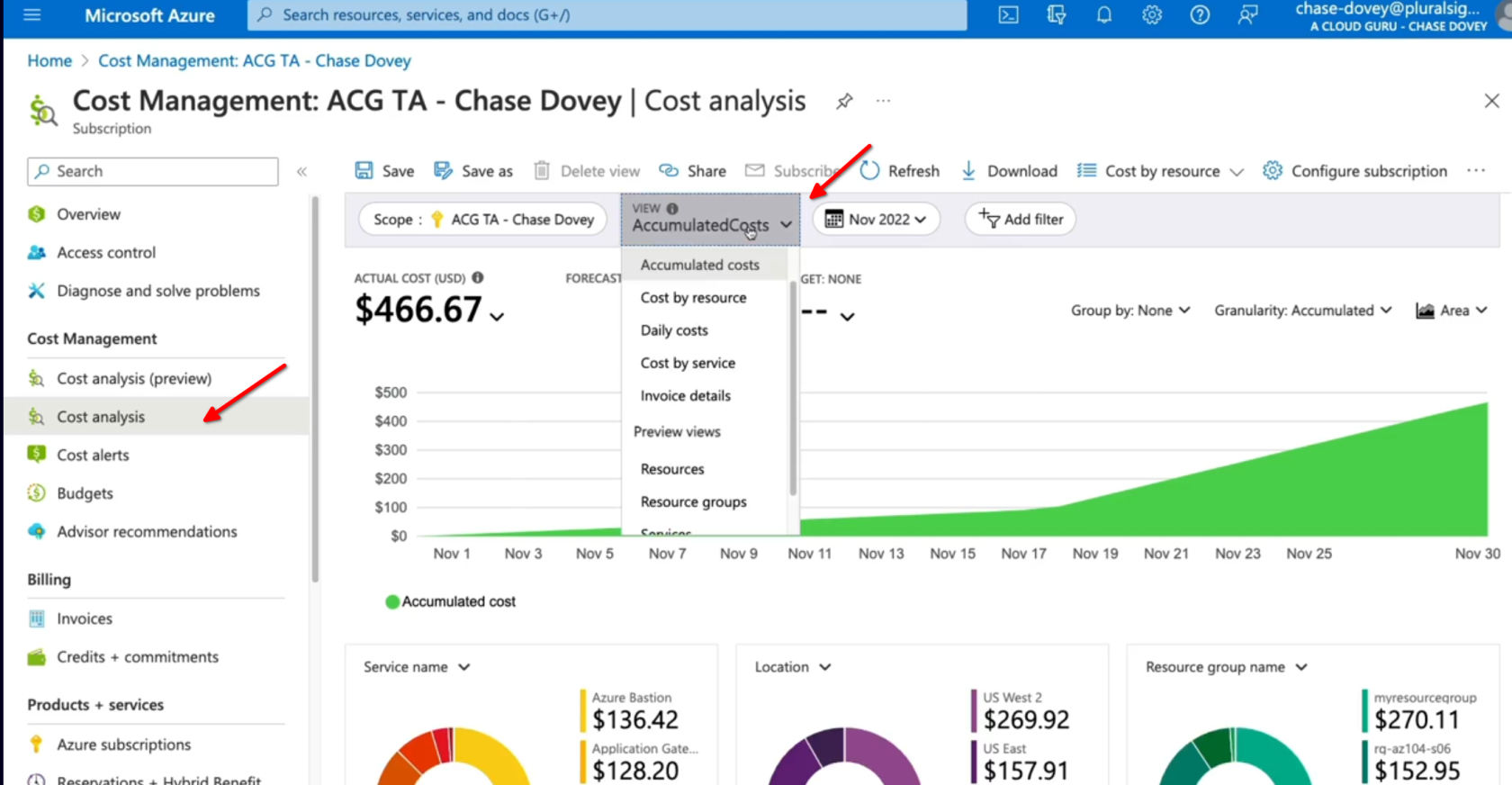
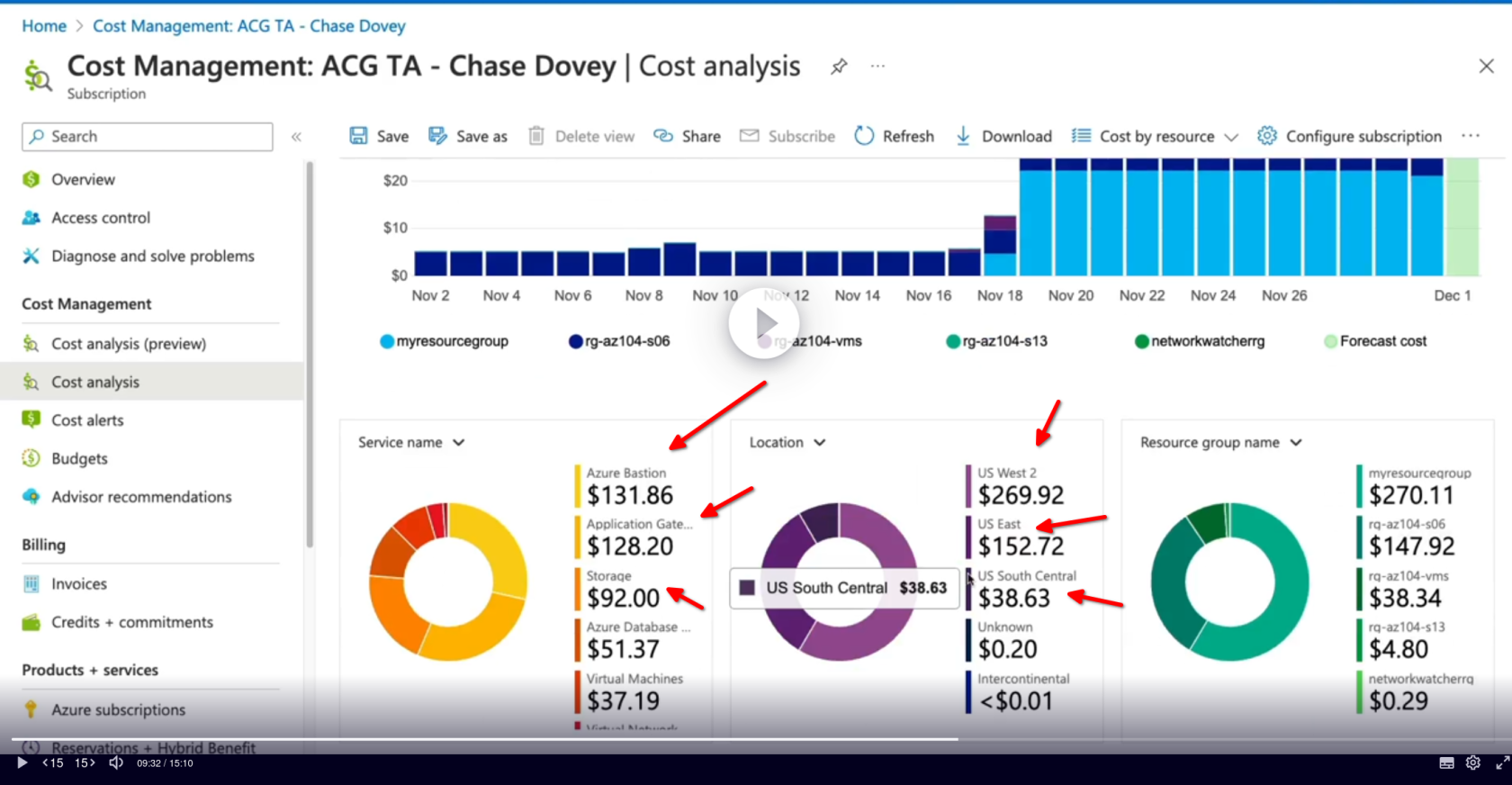
We can identify different costs per service, resource groups, locations, etc
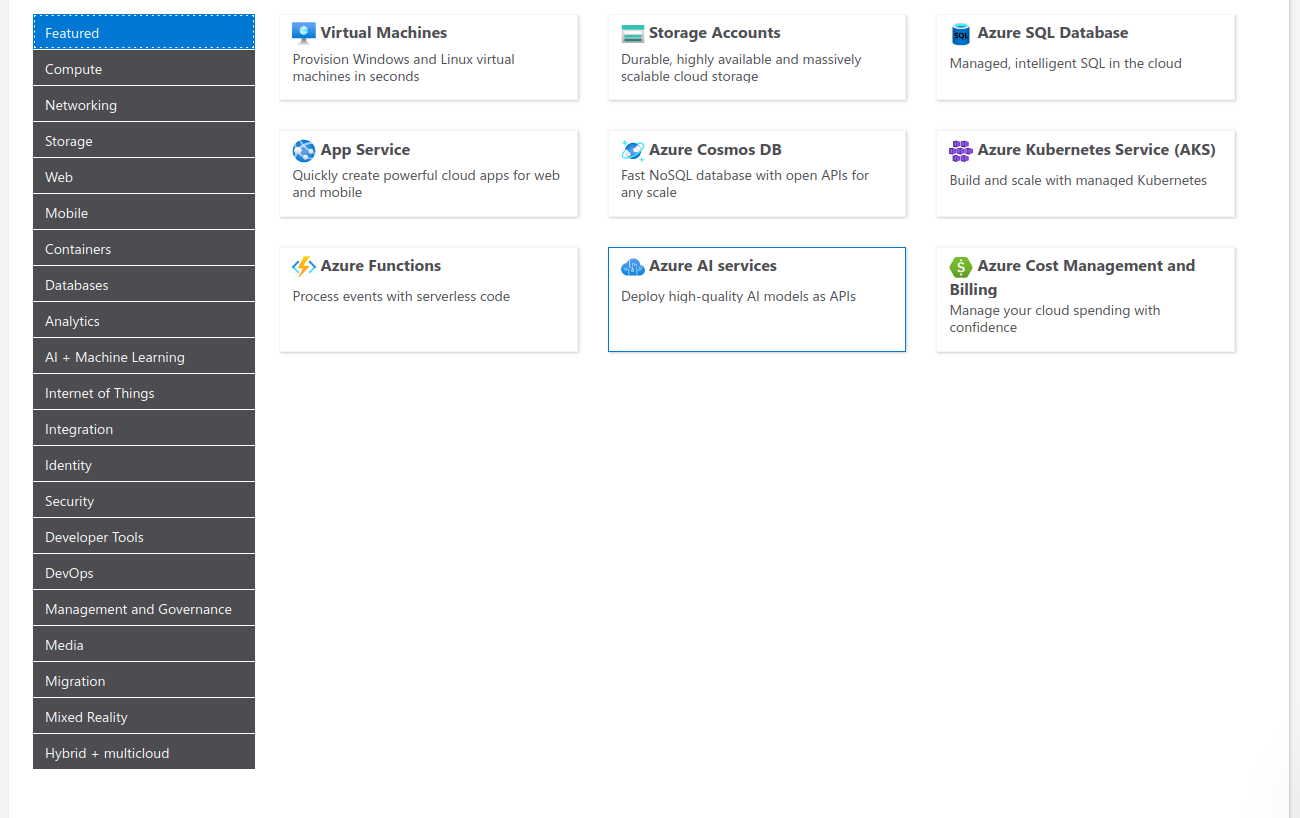
Using the pricing calculator
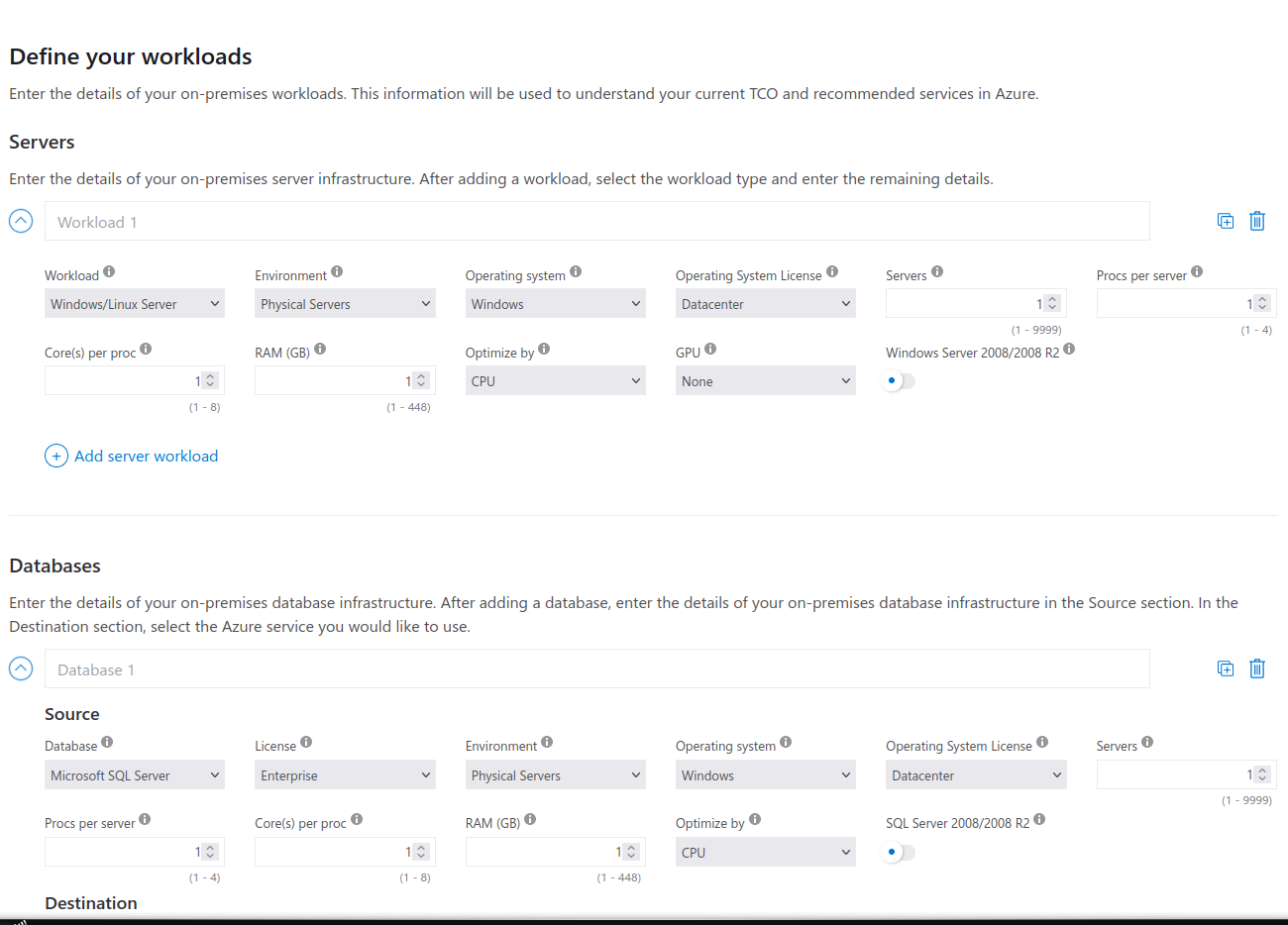
Using the TCO Calculator
No Comments