
AZ-104 Azure RBAC - LAB Using service Principal Identity to List AD Roles
In this hands-on lab, you are tasked with gathering the role definitions and role assignments for your organization.
You do not have access to the portal, so you must collect this information via SSH connection, by using a Linux VM and a service principal. Once you have gained access to the Azure subscription, use the Azure CLI to collect the required information, and output to a file so you can email it to your manager.
Solution
Log in to the virtual machine using the credentials provided:
ssh cloud_user@<PUBLIC_IP_ADDRESS>
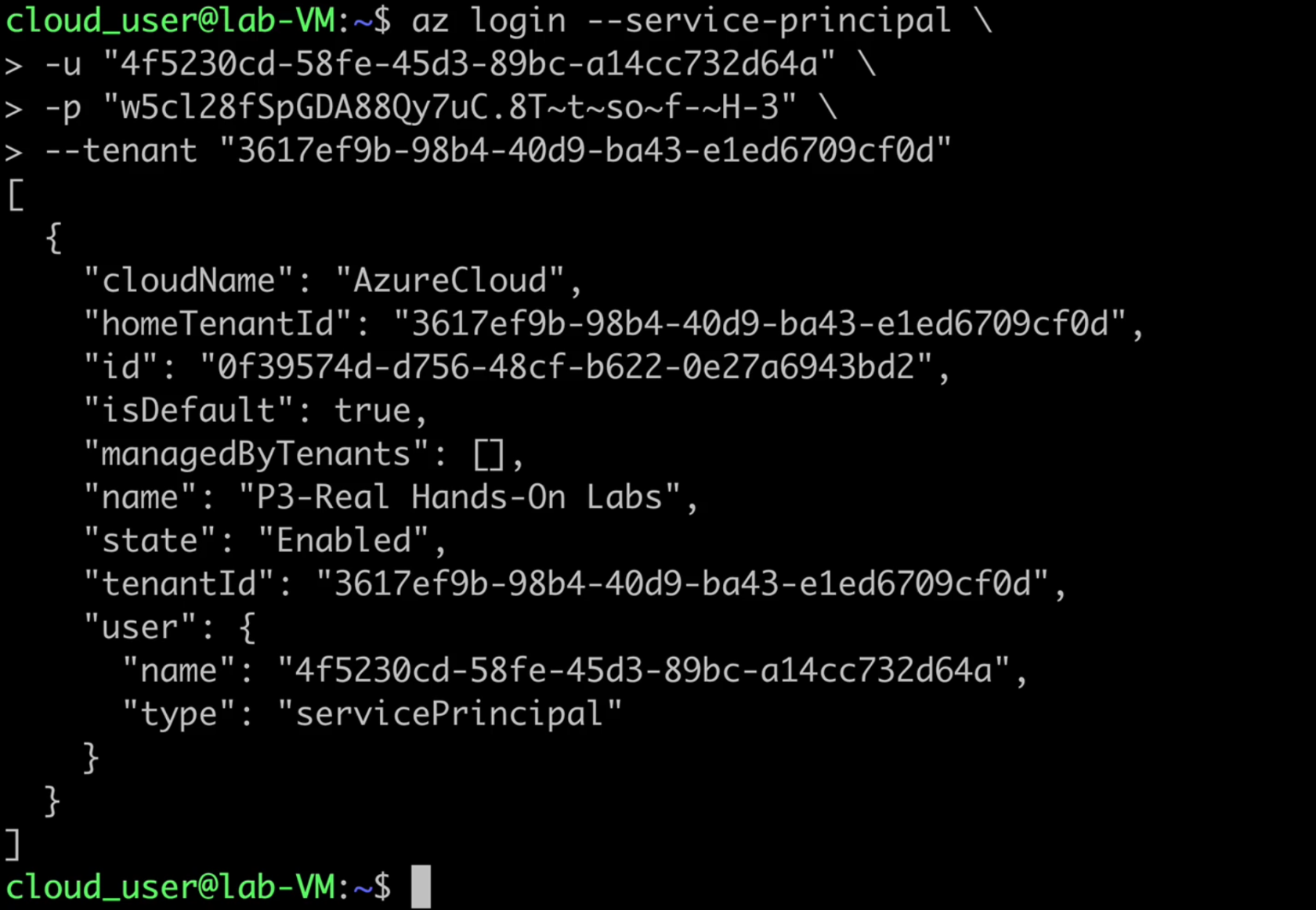
Log in to Azure using the Service Principal
- Once connected to the lab VM, perform the
az logincommand with the--service-principalflag to login to the Azure account:
az login --service-principal \
-u "<CLIENT_ID>" \
-p "<CLIENT_SECRET>" \
--tenant "<TENANT_ID>"
NOTE: To get your own
Tenant ID, search forTenant propertiesin the Azure portal. The value will be under theTenant IDfield.
If you experience an error regarding invalid arguments, please see the Additional Information section for the details of a fix.
List the Role Definitions and Role Assignments
- List the role definitions:
az role definition list - Output the list to a file named
roleinfo.json:az role definition list > roleinfo.json - List the role assignments:
az role assignment list --all - Append the list to the
roleinfo.jsonfile:az role assignment list --all >> roleinfo.json - Verify that the file was created successfully:
vi roleinfo.json
No Comments