
AZ-104 Azure Identity - Creating Administrative Units
An administrative unit is a Microsoft Entra resource that can be a container for other Microsoft Entra resources. An administrative unit can contain only users, groups, or devices.
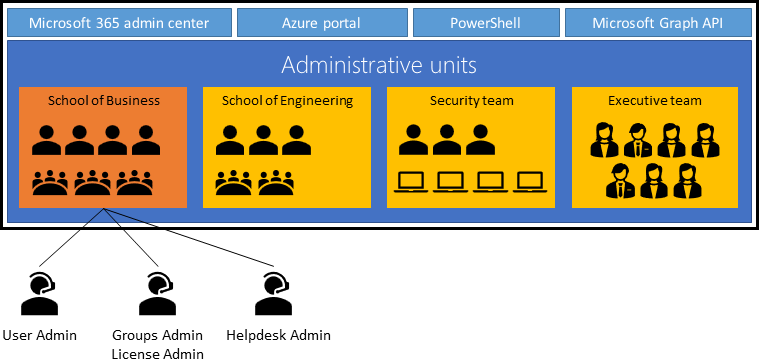
Constraints
- Administrative units can't be nested.
- Administrative units are currently not available in Microsoft Entra ID Governance.
Groups
Adding a group to an administrative unit brings the group itself into the management scope of the administrative unit, but not the members of the group. In other words, an administrator scoped to the administrative unit can manage properties of the group, such as group name or membership, but they cannot manage properties of the users or devices within that group (unless those users and devices are separately added as members of the administrative unit).
For example, a User Administrator scoped to an administrative unit that contains a group can and can't do the following:
| Permissions | Can do |
|---|---|
| Manage the name of the group | ✅ |
| Manage the membership of the group | ✅ |
| Manage the user properties for individual members of the group | ❌ |
| Manage the user authentication methods of individual members of the group | ❌ |
| Reset the passwords of individual members of the group | ❌ |
Plan the organization
Plan the organization and evaluate its needs to determine the value that administrative units can provide for managing identities like groups and users.
Crate and Administrative Unit
Create an administrative unit to logically divide the organization and allow for scoping.
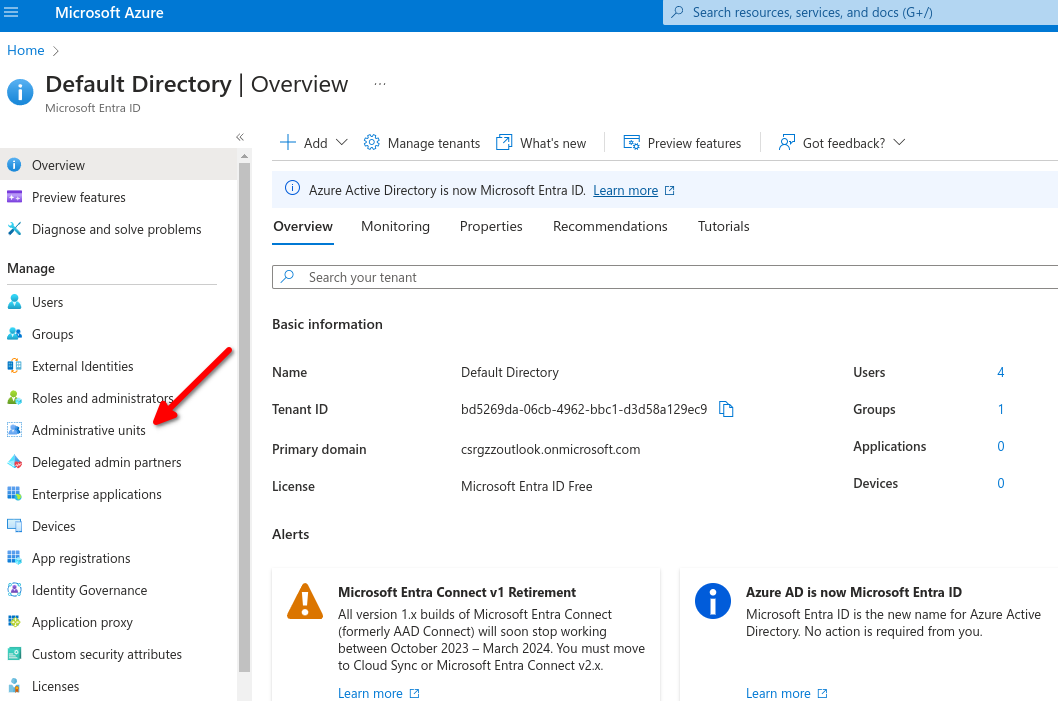

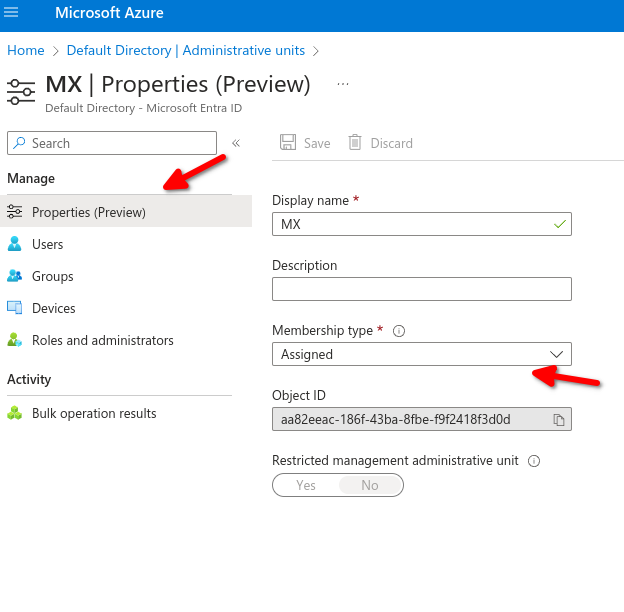
- Purpose of administrative units: An Azure AD resource for providing a container for Azure AD Objects.
- Benefits of Administrative units: Allow you to control the scope of your administrative users.
No Comments