
AZ-104 Azure Identity - Azure Entra ID Device Management
- Basics of Identity
- Registration Options
How to register devices
- Azure AD Registered: Least restrictive option, allowing for bring your own device (BYOD) with a personal Microsoft or local account, supports windows 10, IOS IpadOS, Android and macOS.
- Azure AD Joined: Device is owned by the organization and accesses Azure AD through a work account. These identities exist only in the cloud supports windows 10 and Server 2019
- Hybrid Azure AD Joined: Similar to AD joined: however, these devices identities exist both on prem and in the cloud, Support windows 7, 8.1, 10 and server 2008 or later.
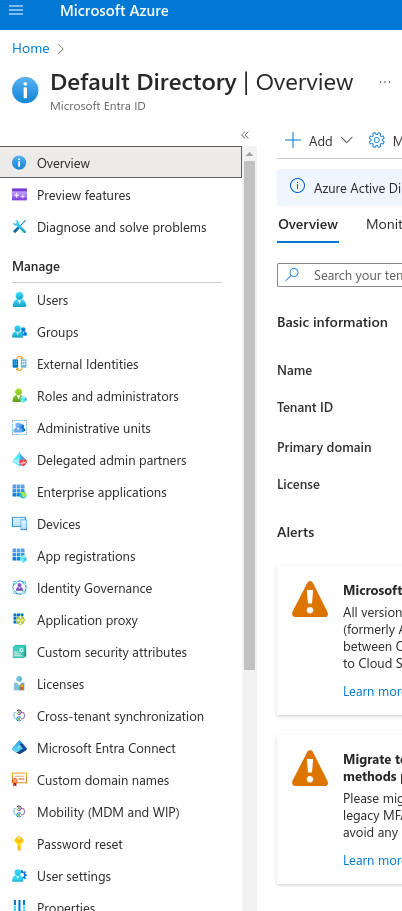
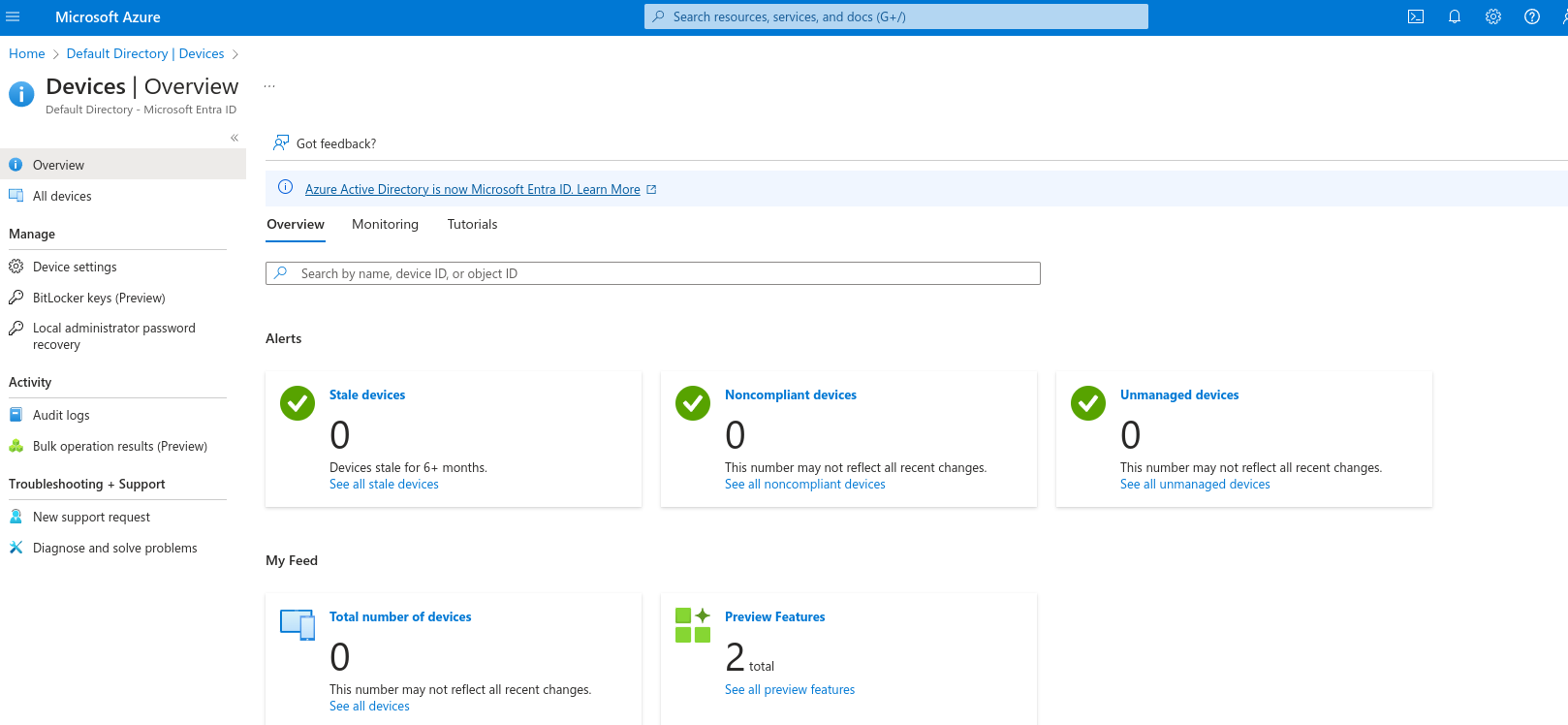
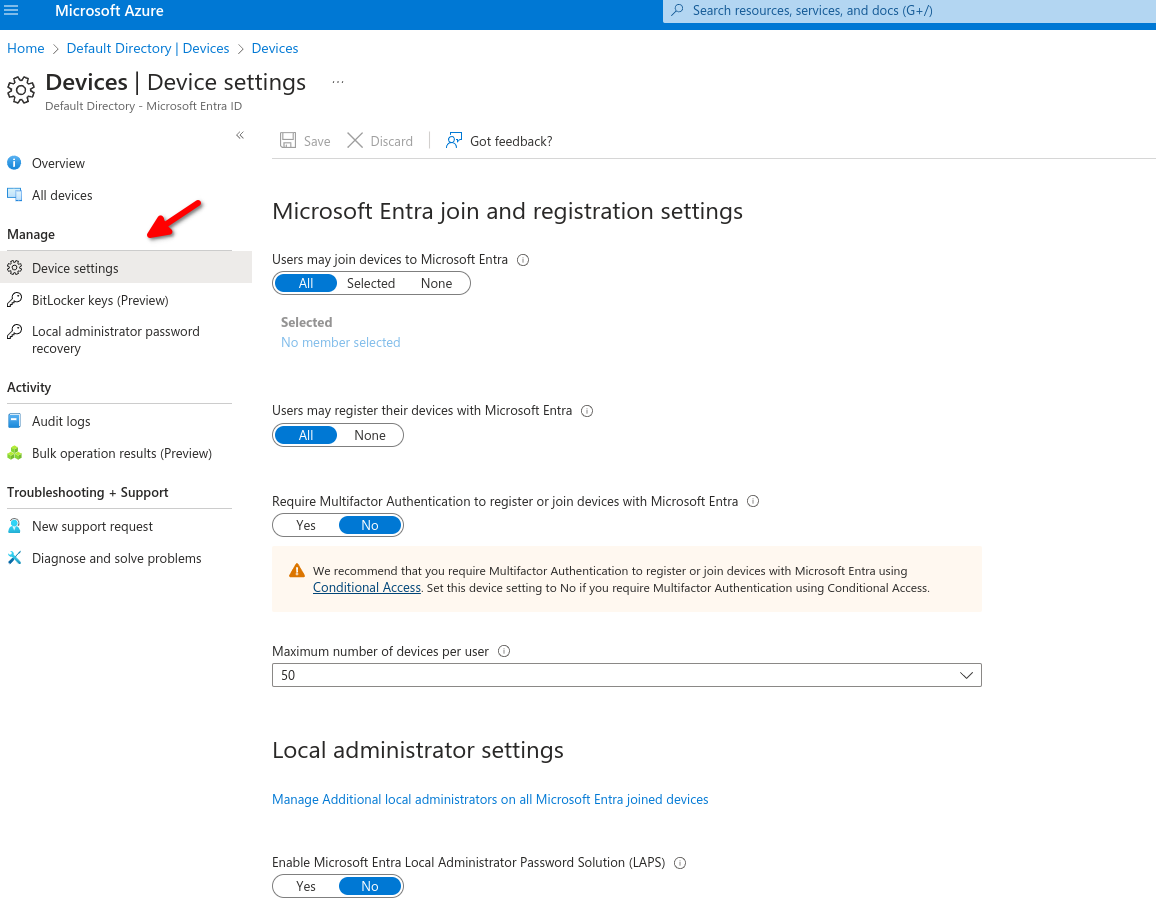
Over in Device settings we can specify which or how users can register devices on our tenant
Users may join devices to Microsoft Entra.
- All: Will allow all users to join their devices.
- Selected: specify which users can join their device.
- None: No users can join their device.
Users may register their devices with Microsoft Entra.
- Allow users to register their BYOD devices to registered devices.
Require multi-factor authentication to register or join devices with Azure ID (self explanatory)
Maximum devices per user to add, recommended is 20.
Device Identity
- Simplified procedure for adding and managing devices
- Improved user experience on devices
- Single Sign-on (SSO) for any registered or joined devices.
No Comments