
Genesys Cloud - Admin - My Schedule
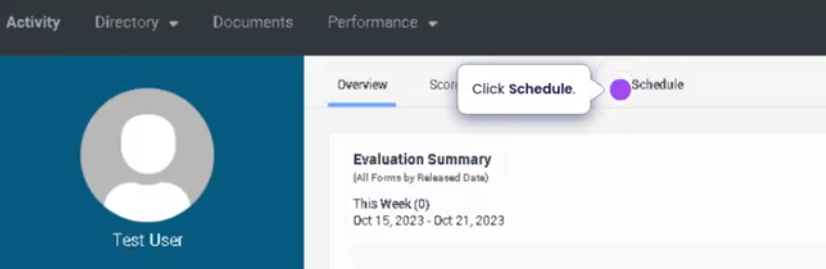
On you profile click on schedule
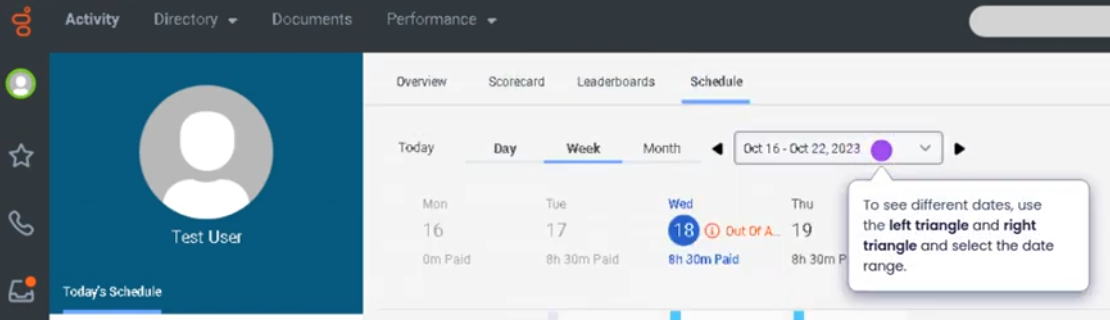
You can navigate with calendar drop down menu
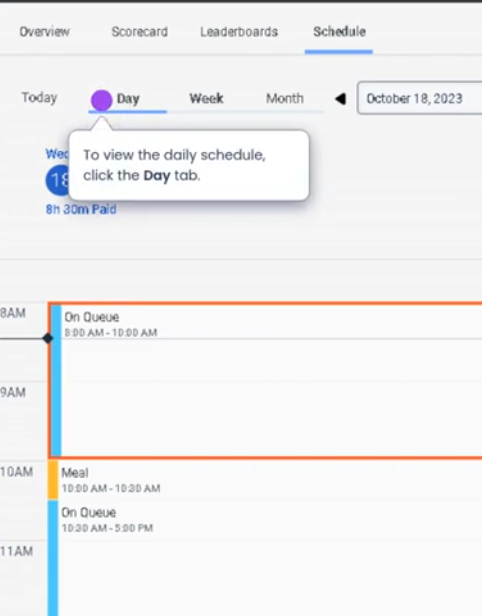
You can also view by day, week, month.
To request time off

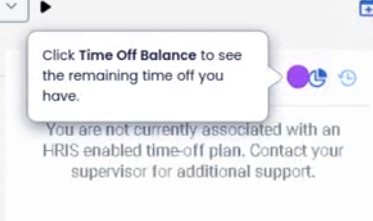
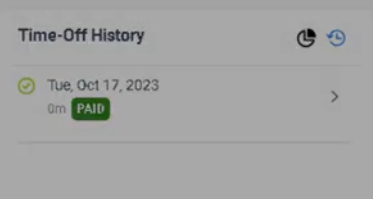
Check time off balance
My Schedule (Genesys Cloud Workforce Management)
Definition
My Schedule in Genesys Cloud is a Workforce Management (WFM) view that allows an agent to see their own assigned work schedule and planned activities. It displays the time blocks for different activities such as handling interactions, breaks, meetings, training, or offline tasks.
This view helps agents understand their daily workload, follow their assigned activities, and maintain schedule adherence.
Source: Genesys Documentation
Summary
| Item | Description |
|---|---|
| Feature | My Schedule |
| Module | Workforce Management (WFM) |
| Purpose | Allows agents to view their personal work schedule |
| Primary Users | Agents |
| Data Displayed | Scheduled activities, time blocks, and planned tasks |
Source: Genesys Documentation
Best Practices
| Best Practice | Explanation |
|---|---|
| Check schedule before shift | Helps agents prepare for their workday |
| Follow assigned activities | Improves schedule adherence and workforce efficiency |
| Monitor upcoming breaks | Ensures compliance with scheduled rest periods |
| Stay aware of schedule changes | Schedules may be updated by Workforce Management |
| Align agent status with scheduled activity | Helps supervisors track adherence accurately |
Source: Genesys Documentation / Operational Best Practice
No Comments