
SMGR - GeoRedundancy activating primary server for restoring services
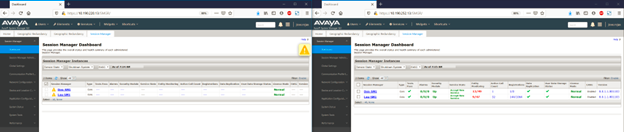
Status shown when Secondary server is active

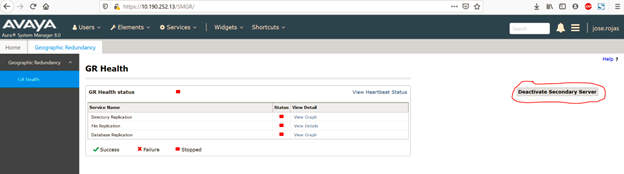
To active primary server, click in deactivate Secondary Server
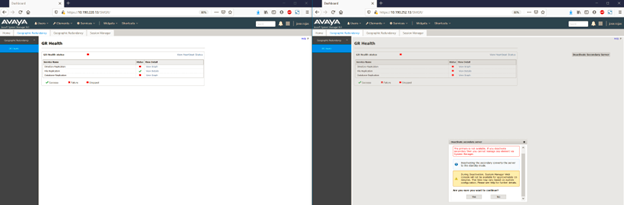
A prompt will ask for confirmation.
Then click on Restore Data
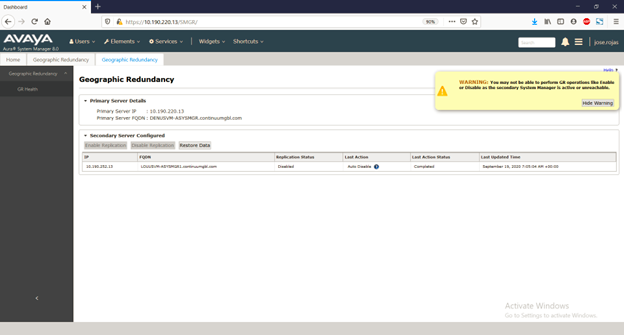
And then confirm which server config you want to keep.
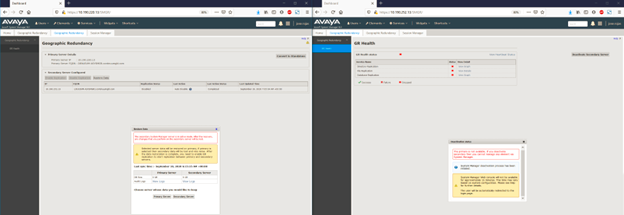
Then just wait for replication to show all green

No Comments