
SMGR - Adding Trusted CA Root certificate to system manager
- On the home page of the System Manager Web Console, in Services, click .
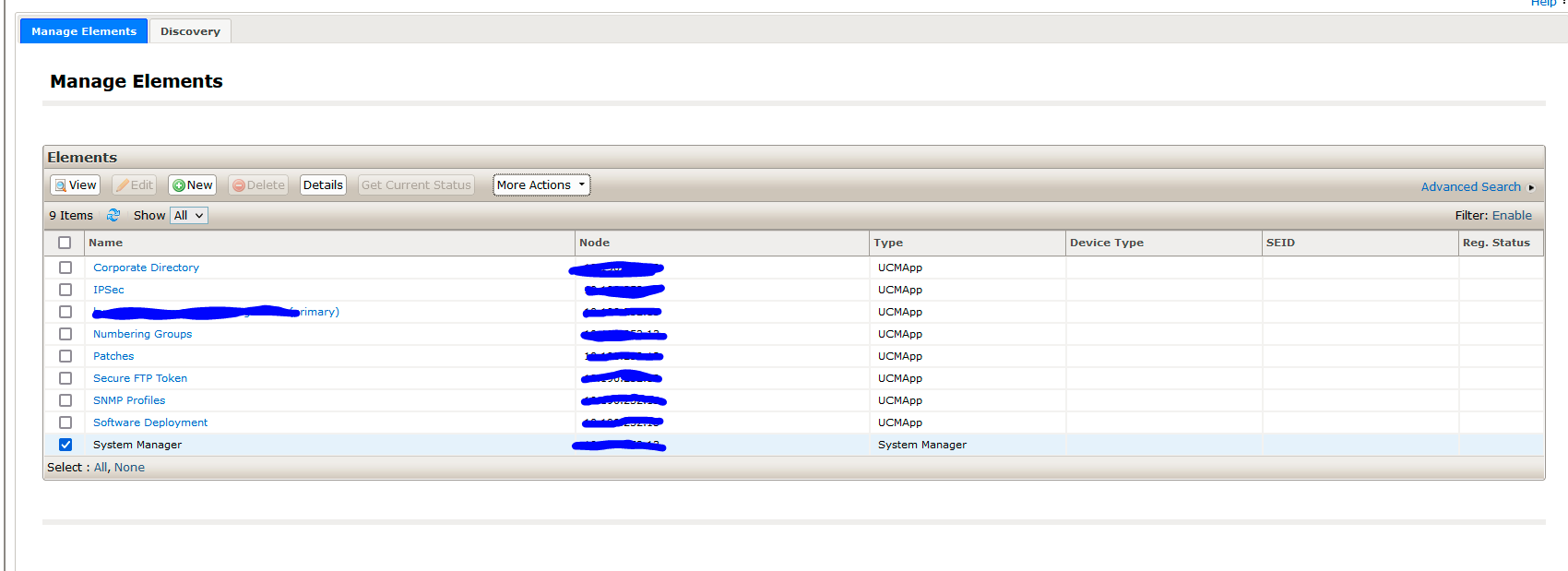
- On the Manage Elements page, select System Manager.
- Click .
- Click Add.
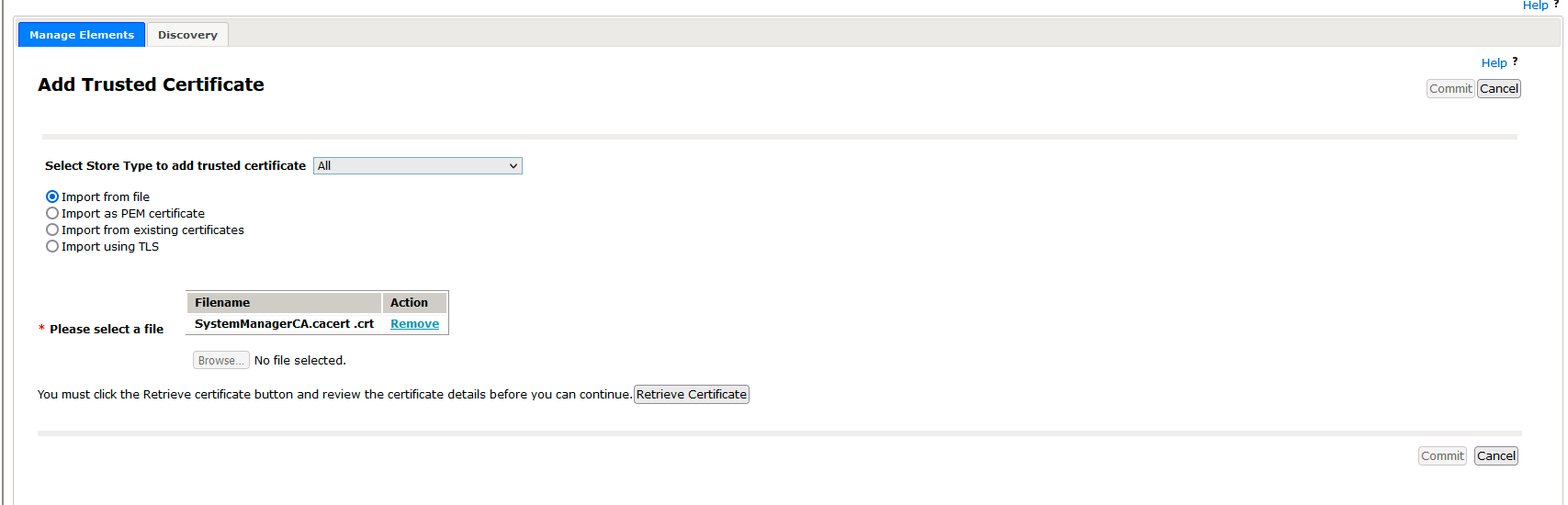
- On the Add Trusted Certificate page, select Select Store Type to add trust certificate as All.
- Select Import from file.
- Browse for the Root CA certificate using Please select a file.
- click on retrieve certificate
- commit
No Comments