
Avaya SDM Client - ESXI integration
Prerequisites
- Server with vSphere ESXi installed
- ESXi License with vSphere API enabled (the free one doesn’t work)
- Avaya SDM client on Windows
- Local DNS Services
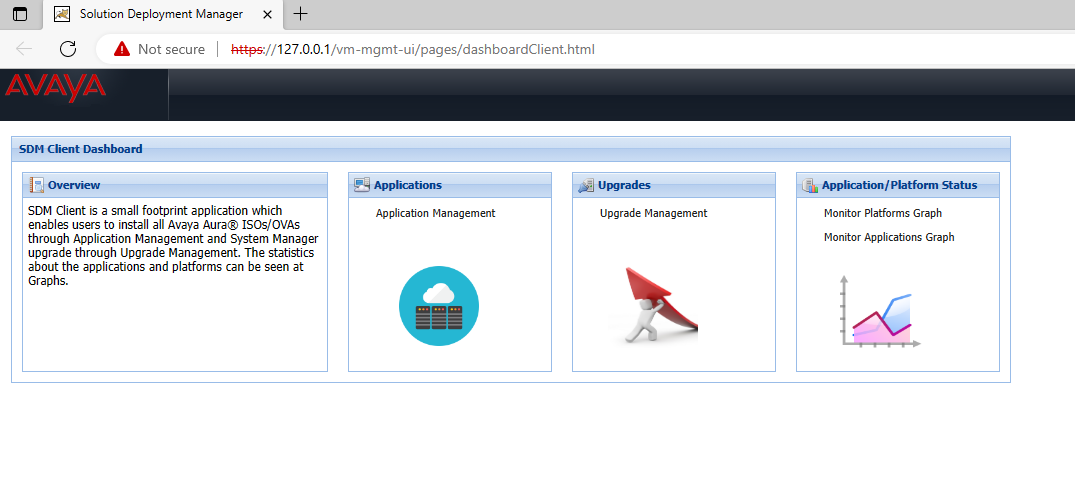
Afer SDM installation go to Applications
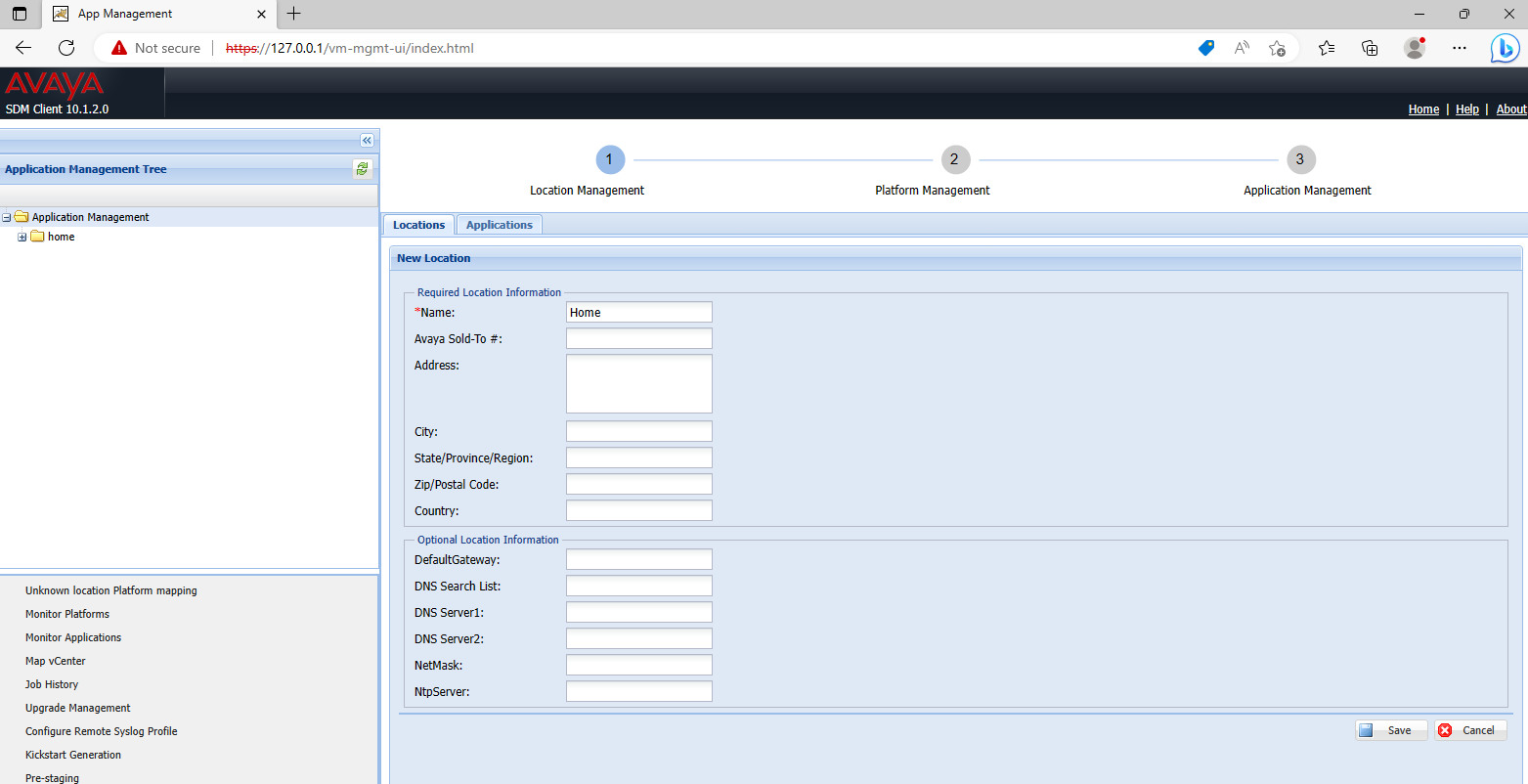
Go to applications and add new location, choose a name and save
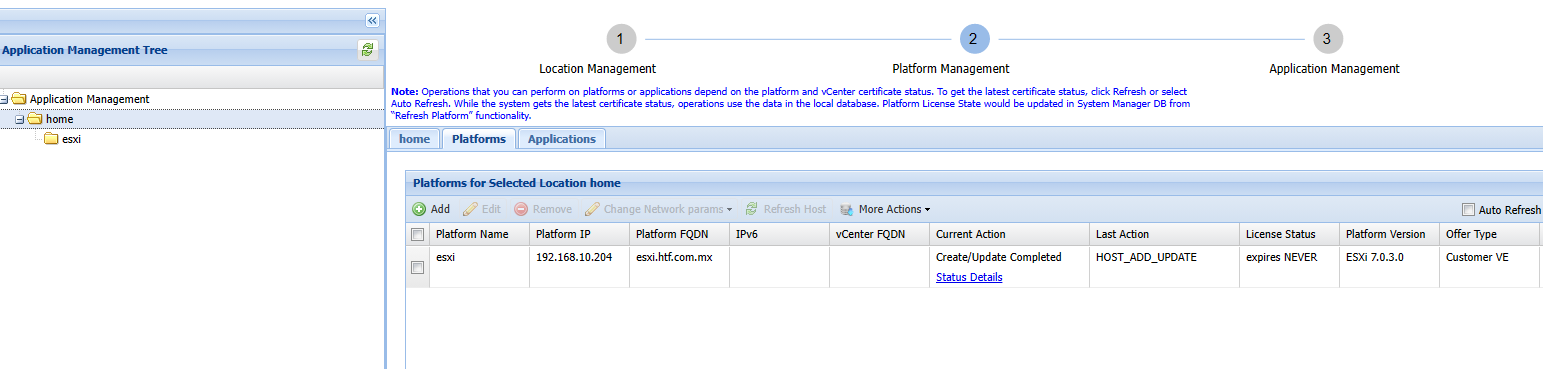
go to platforms and add a new platform
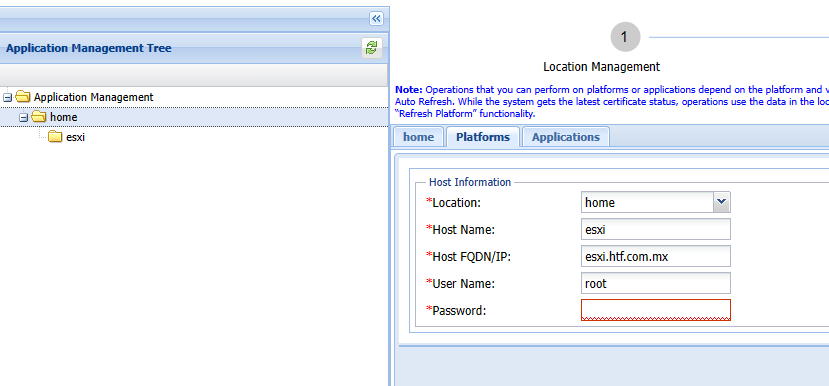
You need to specify a FQDN if you choose IP the certs will fail, make sure the hostname match your esxi server and your fqdn responds then save.
if you need to rehost your ESXI server or reegenerate your
[root@esxi:~] esxcli system hostname set --host=esxi
[root@esxi:~] esxcli system hostname set --fqdn=esxi.htf.com.mx
[root@esxi:~] /sbin/generate-certificates
[root@esxi:~] /etc/init.d/hostd restart && /etc/init.d/vpxa restart
watchdog-hostd[528910]: Terminating watchdog process with PID 528633
hostd stopped.
hostd started.
watchdog-vpxa[528967]: Terminating watchdog process with PID 528666
vpxa stopped.
vpxa started.
after you sync SDM client with esxi you can go to applications to deploy system manager
No Comments