
Acme Certificates with letsencrypt and cloudflare
This is to install and configure Acme certs with Letsencrypt as well as deploying HA Proxy for access to our internal services and add SSL services, we're using cloudflare for our cert verification.
Search for acme and click install then on confirm
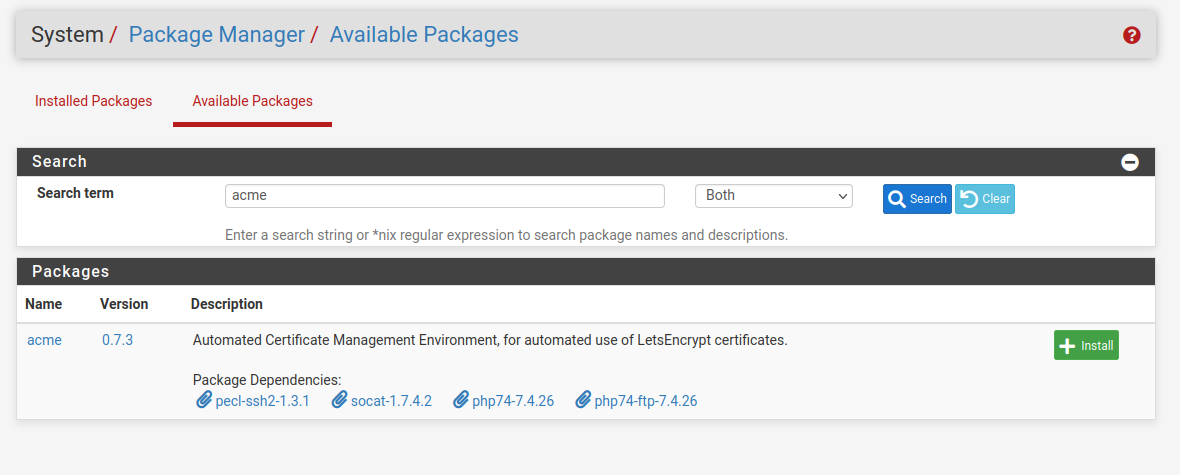
do the same for haproxy and install then click on confirm.
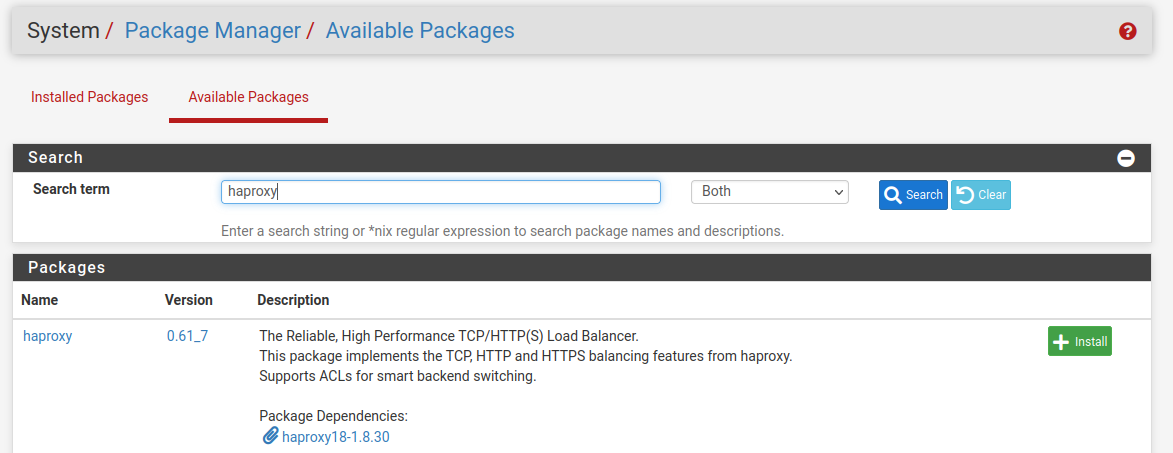
if you are installing this via the wan interface access, make sure you go back and disable packet filter as doing the installation will re enable, go to the shell and type pfctl -d to disable and gain access via WAN interface
go to Account keys and click add, fill out the information below, for ACME Server you can use production or test, its the same
click on create new account key then register acme account key, after you are done click save
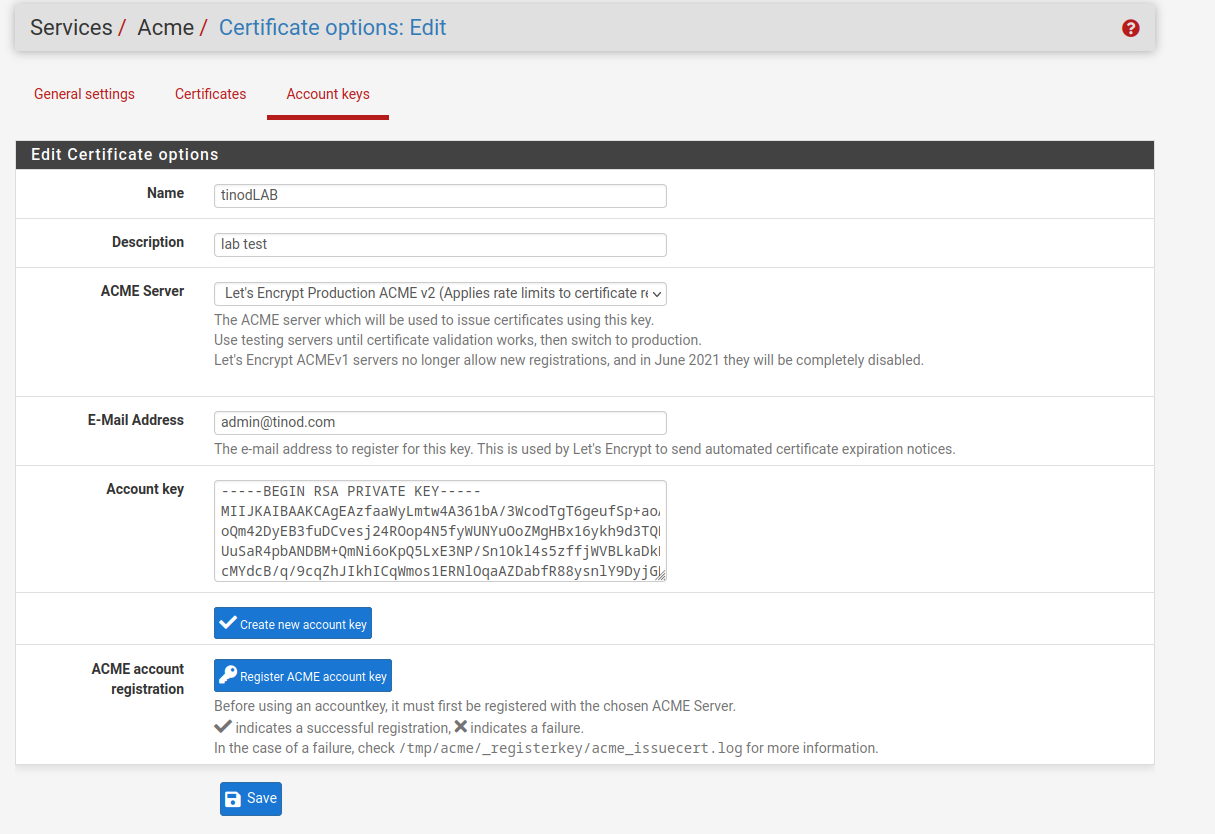
you have now your account key.

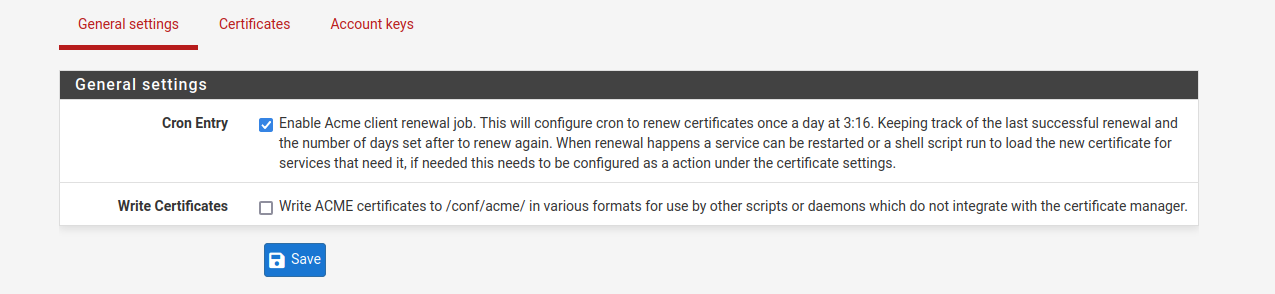
now you can create your first certificate, navigate to certificates and click add, we're using cloudflare
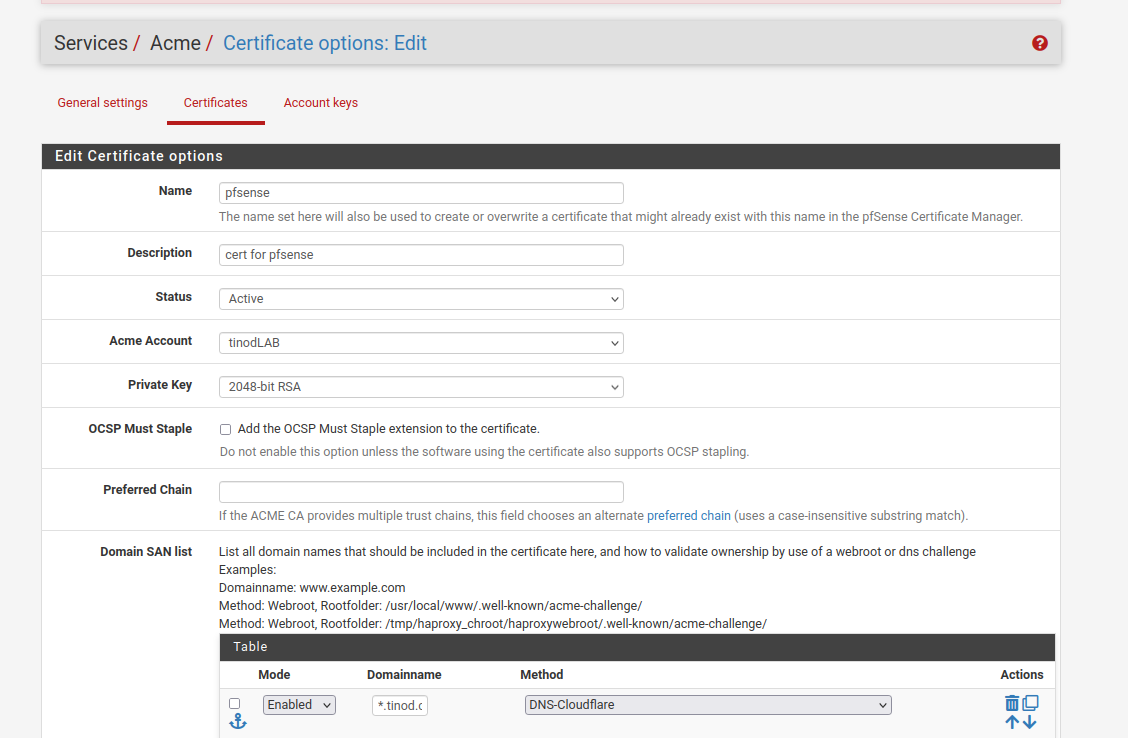
For this lab we're using a wildcard certificate, for our domain we will do *.tinod.com
you need to get your key, token, accound ID and Zone ID from cloudflare
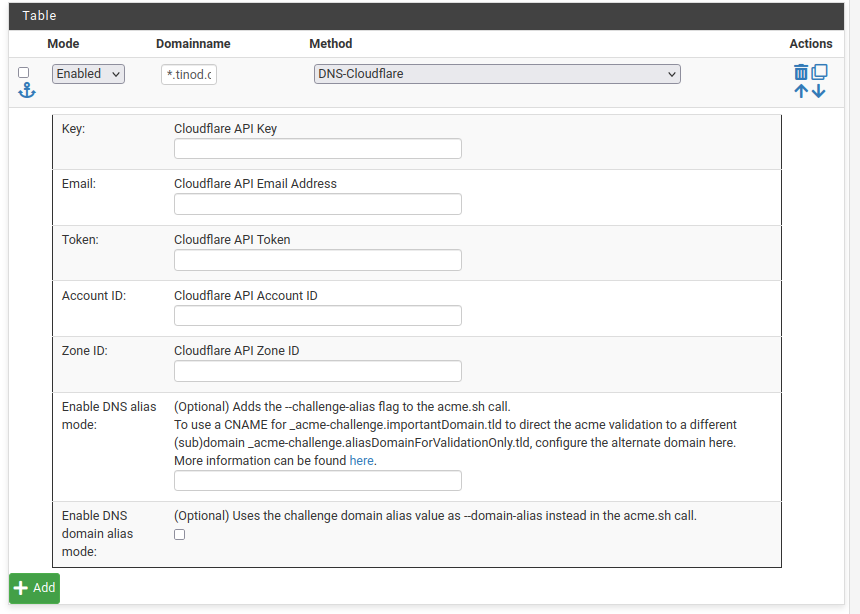
click add and your cert will be ready and it will renew automatically
No Comments