
Buzz noise audio - KDE
Change your working directory to /etc/modprobe.d:
cd /etc/modprobe.dAnd now, create a new file named audio_disable_powersave.conf and open with the nano text editor using the given command:
sudo nano audio_disable_powersave.confAnd put the following lines in that file to turn off the power-saving setting in the sound card permanently:
options snd_hda_intel power_save=0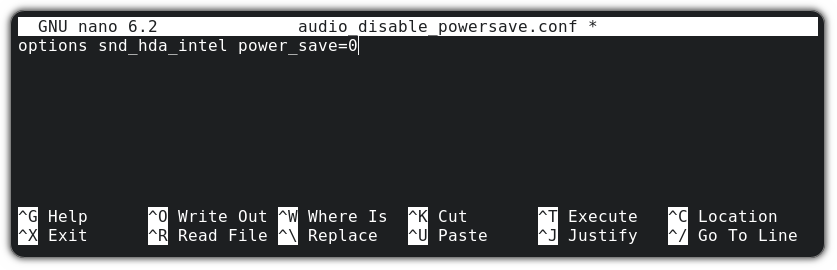
For a USB sound card, you can use snd_usb_audio:
options snd_usb_audio power_save=0Now, save changes and exit the Nano text editor by pressing Ctrl+X keys. Reboot your system, and you can enjoy a noise-free workspace.
No Comments