
Genesys Cloud - How to - Contact Lists
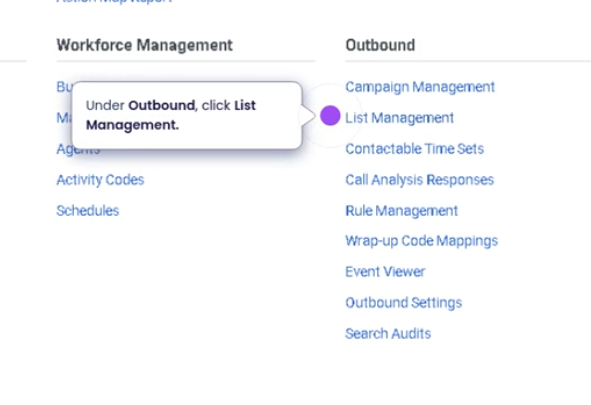
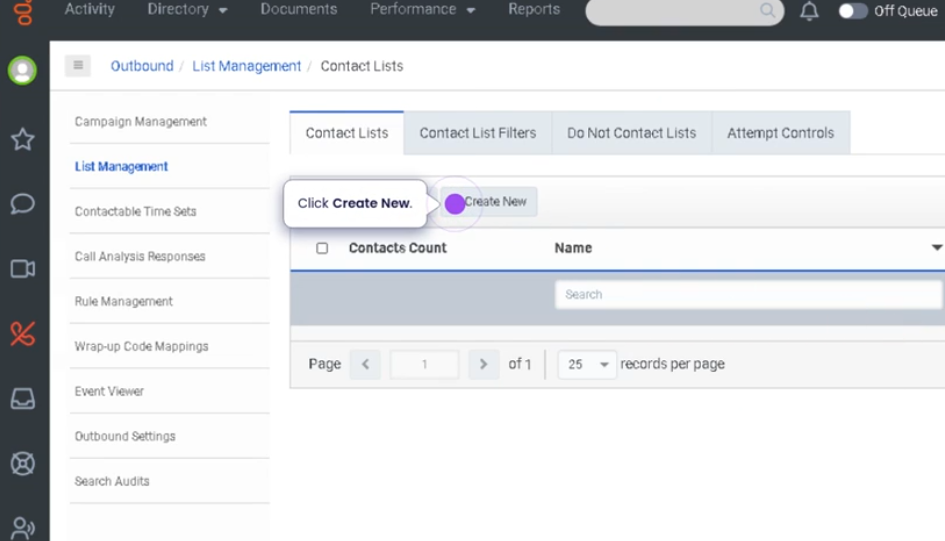
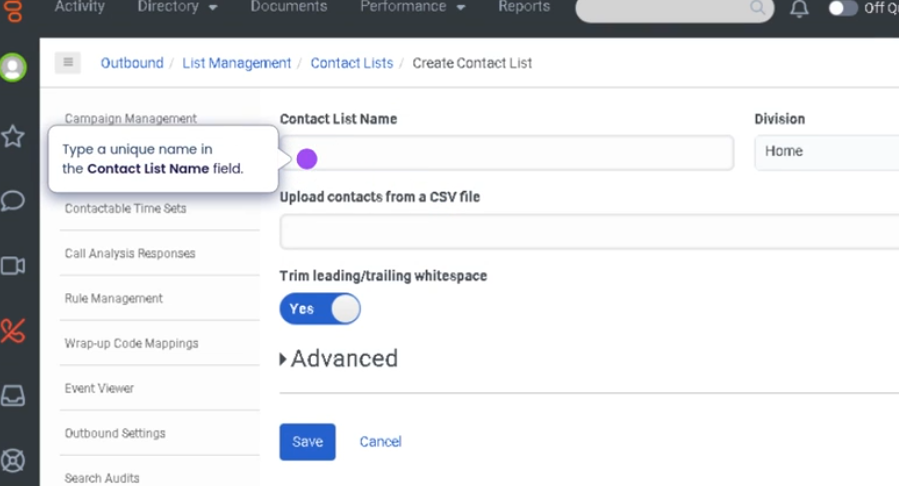
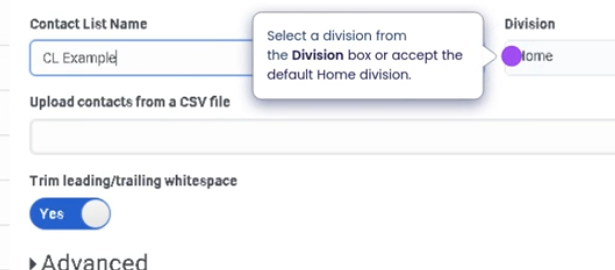

Contact Lists (Genesys Cloud)
Summary
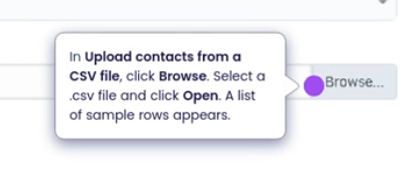
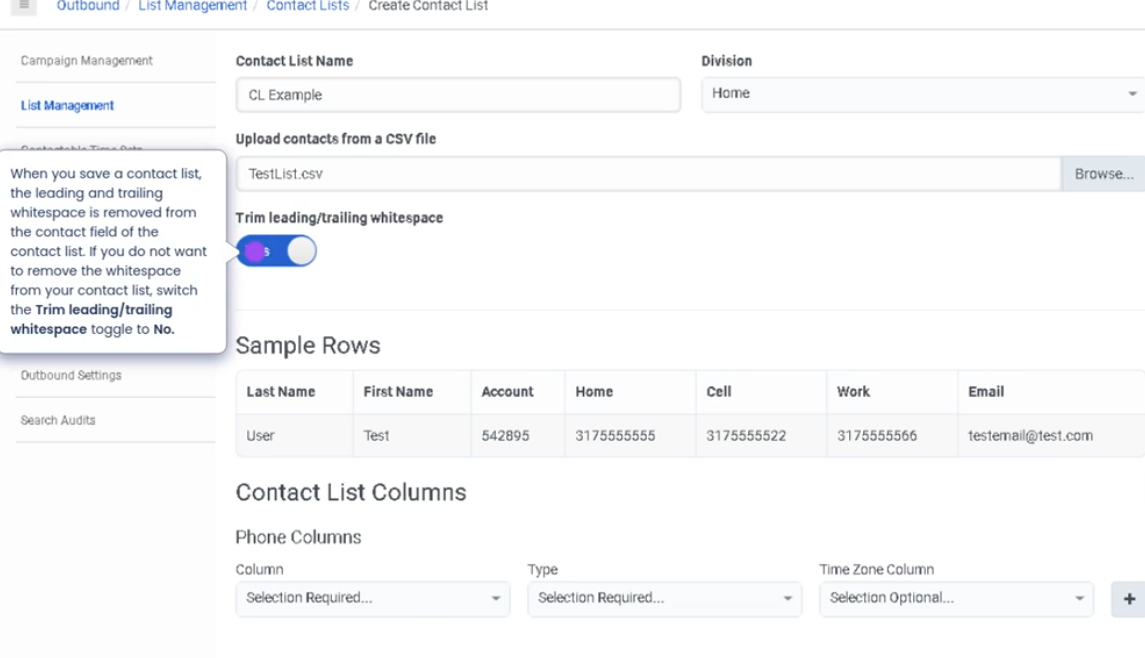
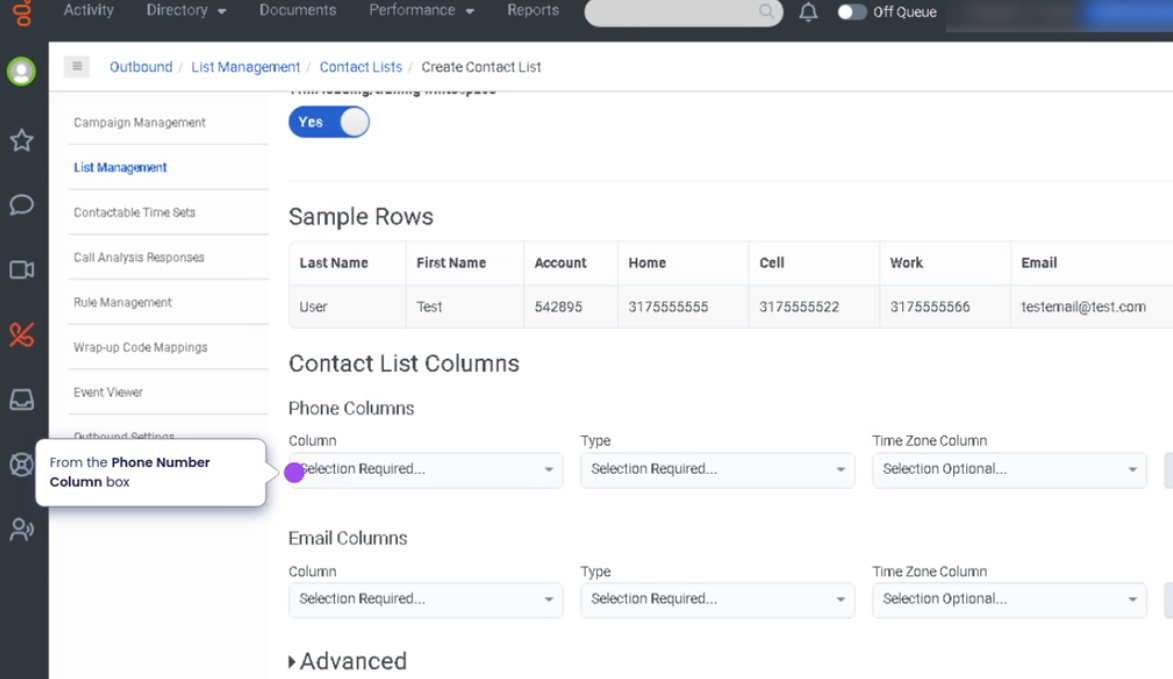
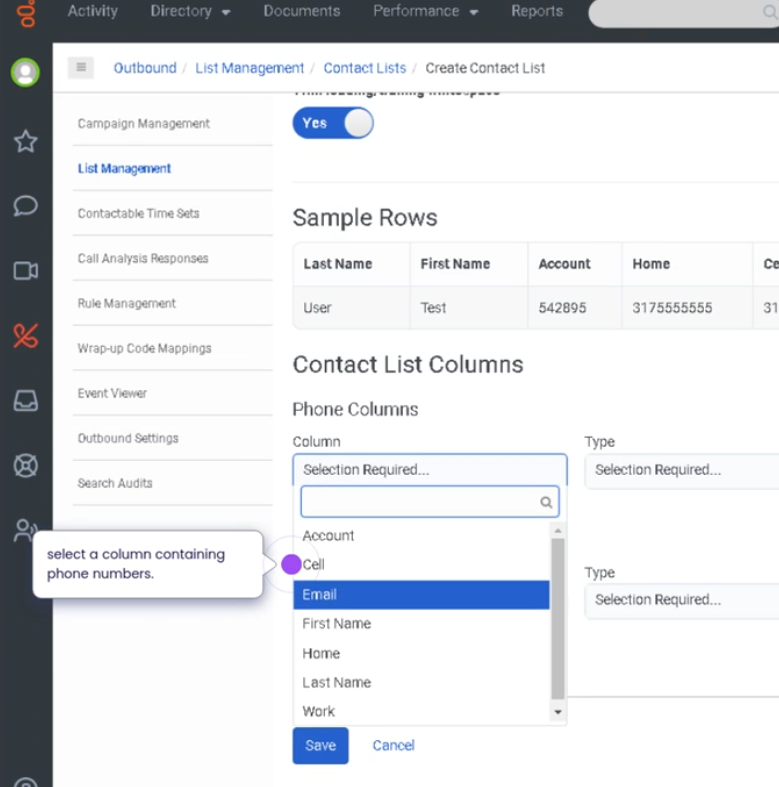
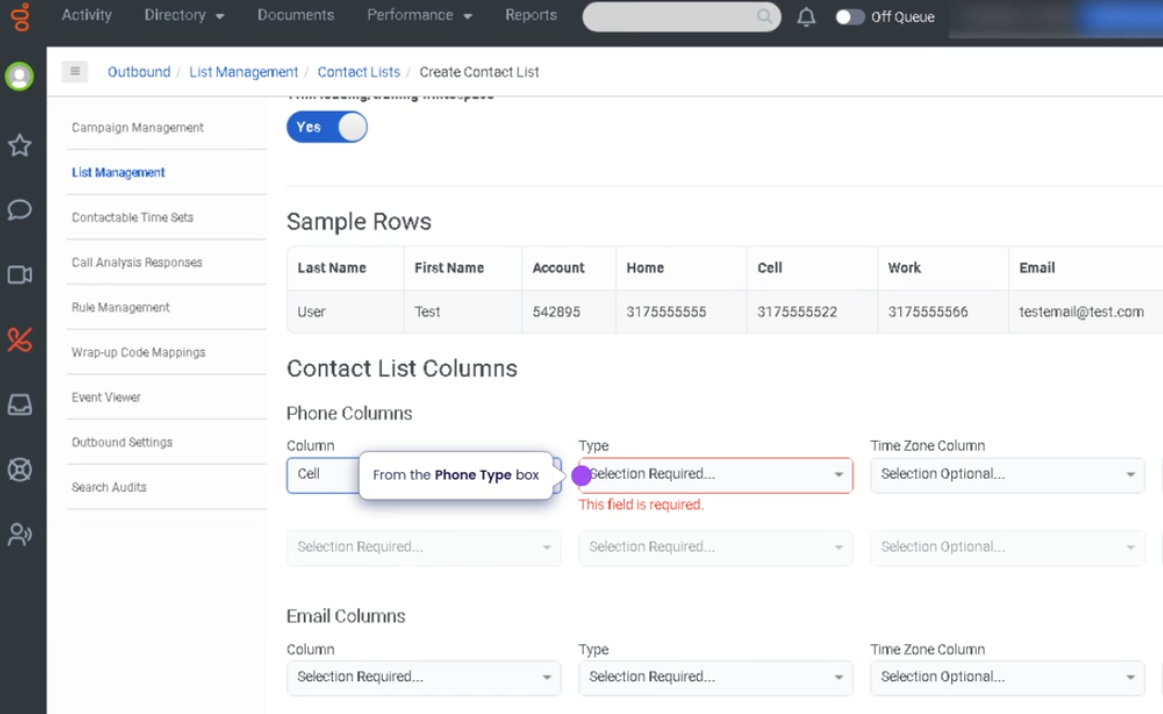
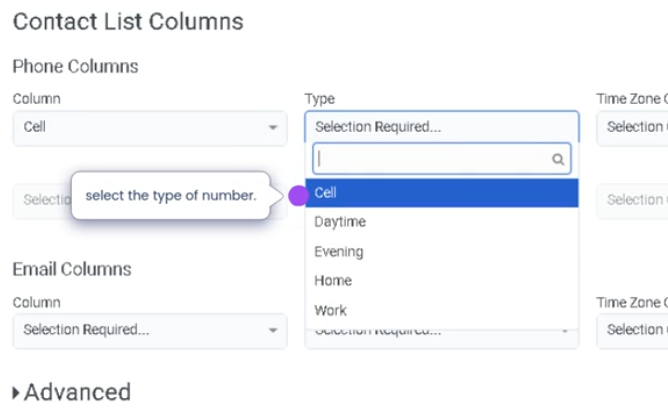
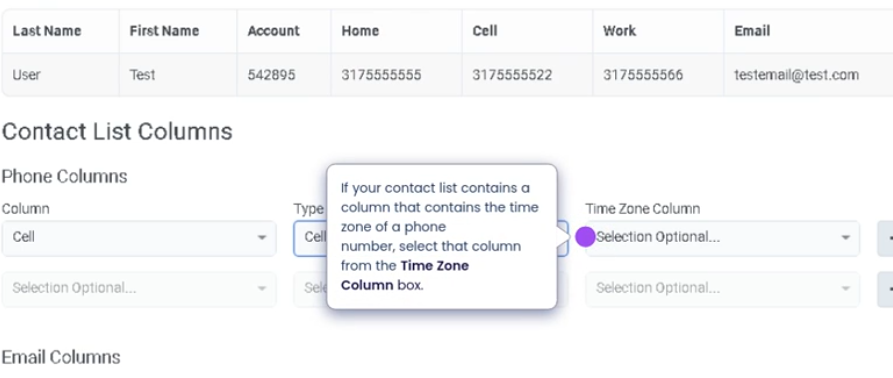
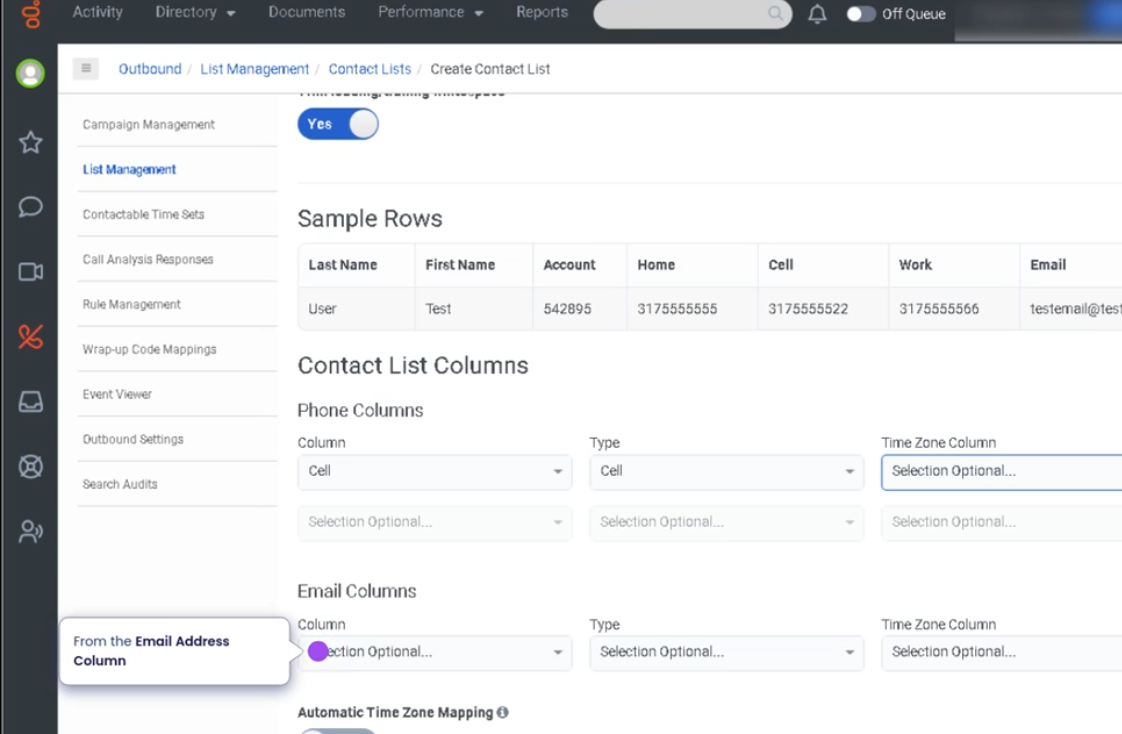
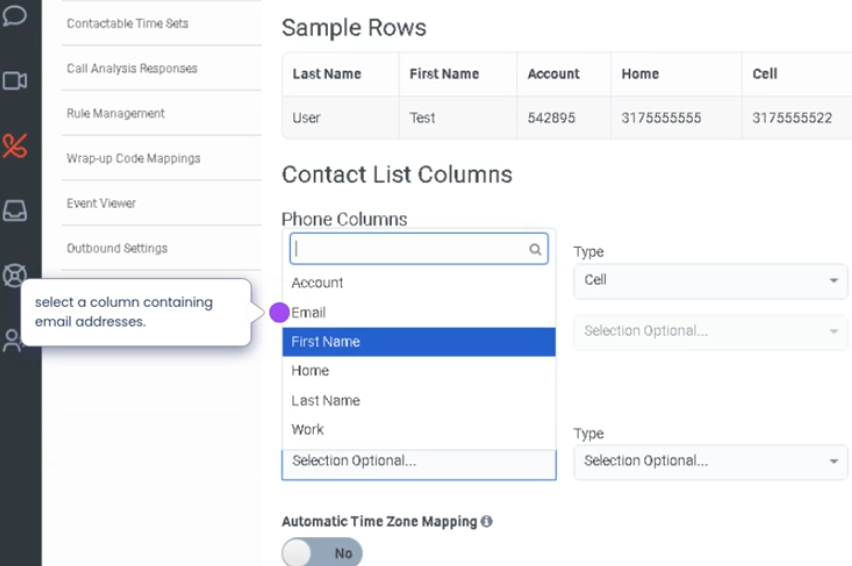
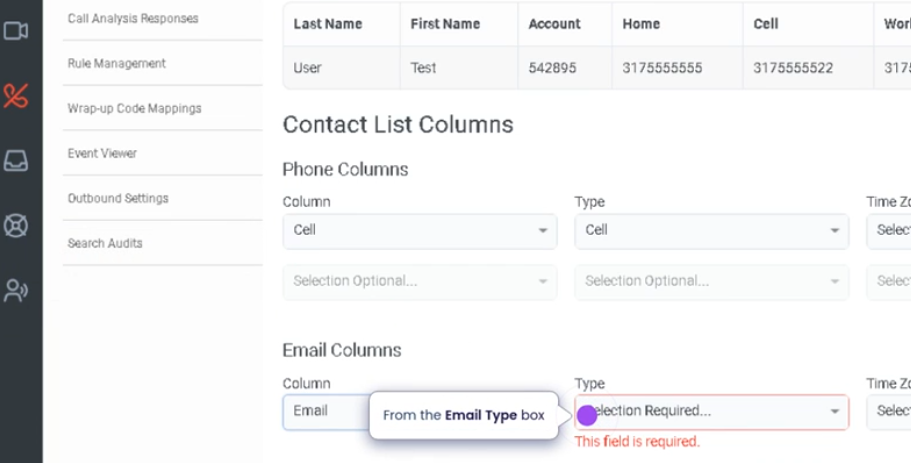
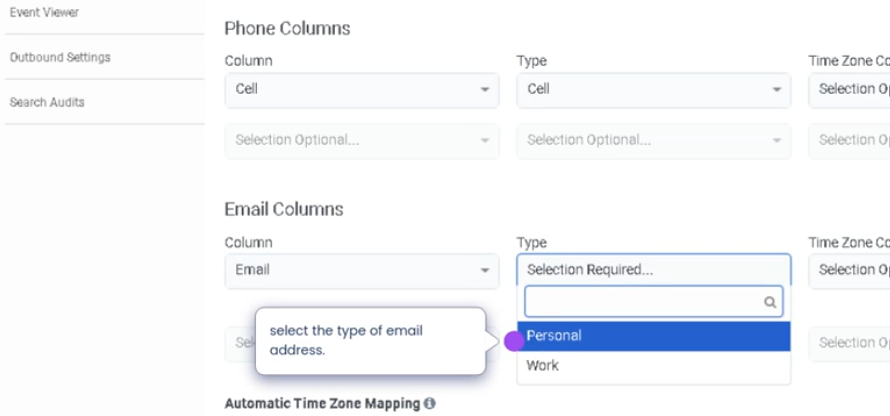
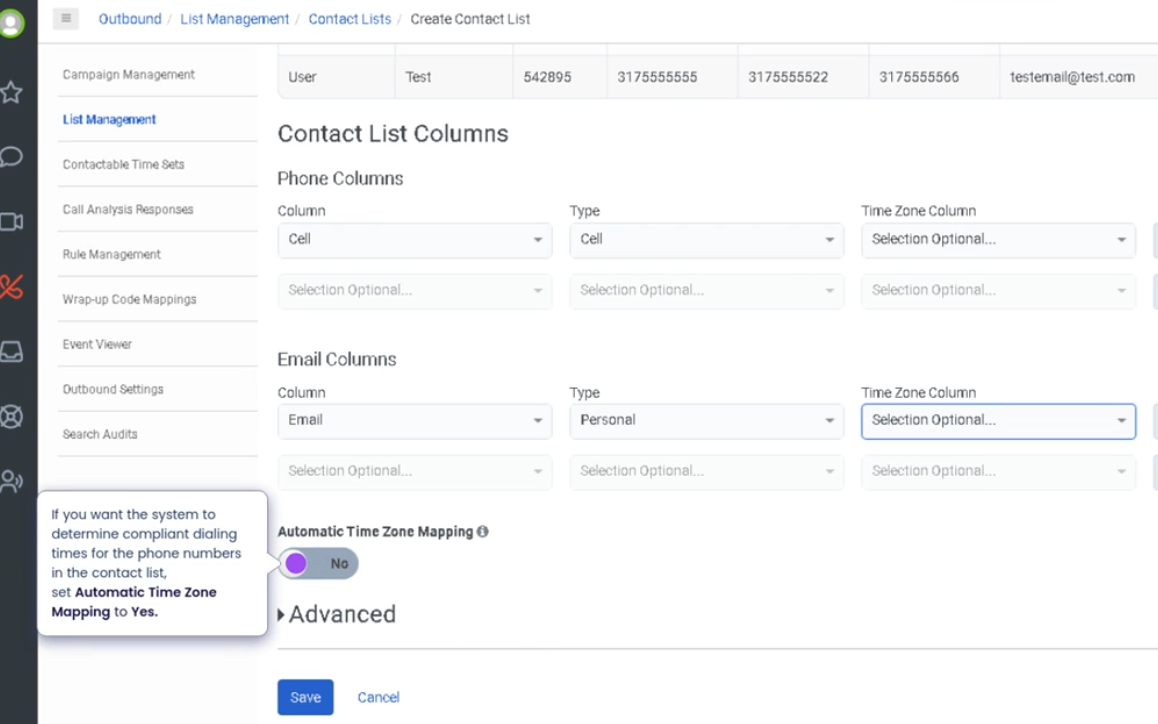
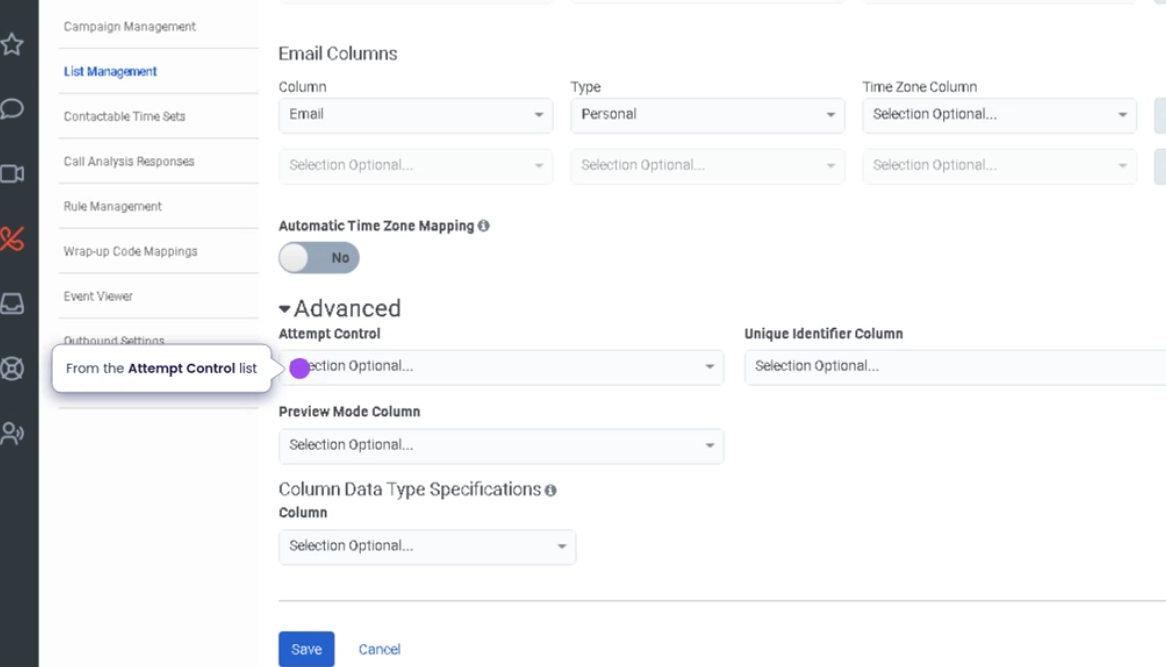
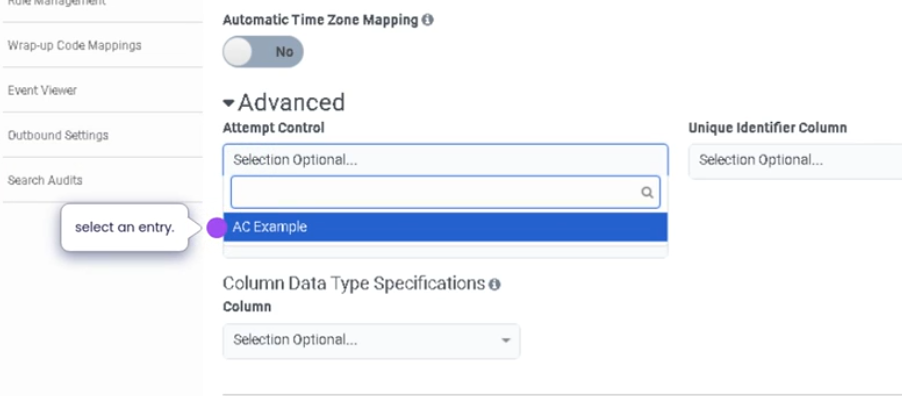
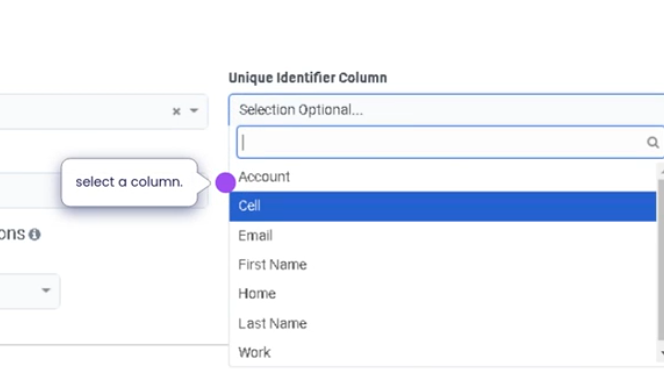
Contact Lists in Genesys Cloud are collections of customer records used primarily in outbound dialing campaigns and customer outreach activities. These lists store information such as phone numbers, email addresses, names, and custom attributes, which can be used by the dialing system to contact customers automatically or by agents to access customer information during interactions.
Contact lists are managed by administrators and integrated with campaign management, dialing systems, and customer engagement workflows, enabling contact centers to efficiently manage outbound communications.
Utilization
| Use Case | Description |
|---|---|
| Outbound dialing campaigns | Contact lists provide customer numbers for dialer campaigns |
| Sales outreach | Sales teams use contact lists to contact potential leads |
| Customer notifications | Organizations notify customers about updates or promotions |
| Customer follow-ups | Agents contact customers regarding service requests |
| Data-driven engagement | Contact lists store attributes used for campaign targeting |
Contact lists help organizations manage large sets of customer contact data used for automated or agent-driven outreach.
Best Practices
| Practice | Reason |
|---|---|
| Keep contact lists updated | Ensures accurate customer information |
| Remove invalid or outdated numbers | Improves dialing efficiency |
| Use custom fields for segmentation | Helps target specific customer groups |
| Follow compliance and privacy regulations | Ensures legal outbound communication |
| Validate contact data before importing | Prevents errors during campaigns |
| Maintain clear naming conventions | Helps administrators identify lists easily |
Example Scenarios
Scenario 1 – Outbound Sales Campaign
Marketing team prepares customer contact list
        ↓
Administrator uploads contact list to Genesys Cloud
        ↓
Contact list assigned to outbound campaign
        ↓
Dialer begins contacting customers
        ↓
Agents handle live connections
Scenario 2 – Customer Follow-Up Calls
Support team creates follow-up contact list
        ↓
List includes customers needing additional assistance
        ↓
Outbound campaign created
        ↓
Agents contact customers to verify issue resolution
Scenario 3 – Promotional Outreach
Company launches promotional campaign
        ↓
Contact list includes targeted customers
        ↓
Outbound dialing campaign initiated
        ↓
Customers receive promotional calls
Key Benefits
| Benefit | Explanation |
|---|---|
| Centralized customer data | Stores contact information for campaigns |
| Efficient outbound communication | Enables automated dialing and outreach |
| Campaign targeting | Custom fields allow segmentation of contacts |
| Improved agent productivity | Agents have customer information readily available |
| Scalable customer engagement | Supports large outbound contact lists |