
Genesys Cloud - CCaaS - Email interaction
Email Interactions (Genesys Cloud)
Summary
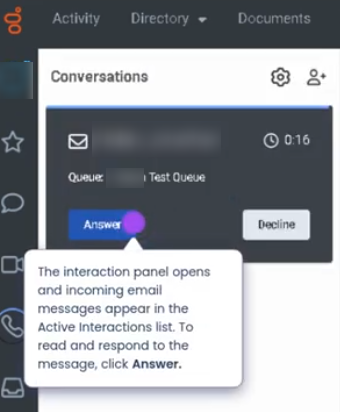
Email Interactions in Genesys Cloud allow agents to handle customer communications through email channels directly within the Agent Workspace. Emails are treated as interactions and are routed through queues using the Automatic Contact Distribution (ACD) engine, similar to voice, chat, or messaging interactions.
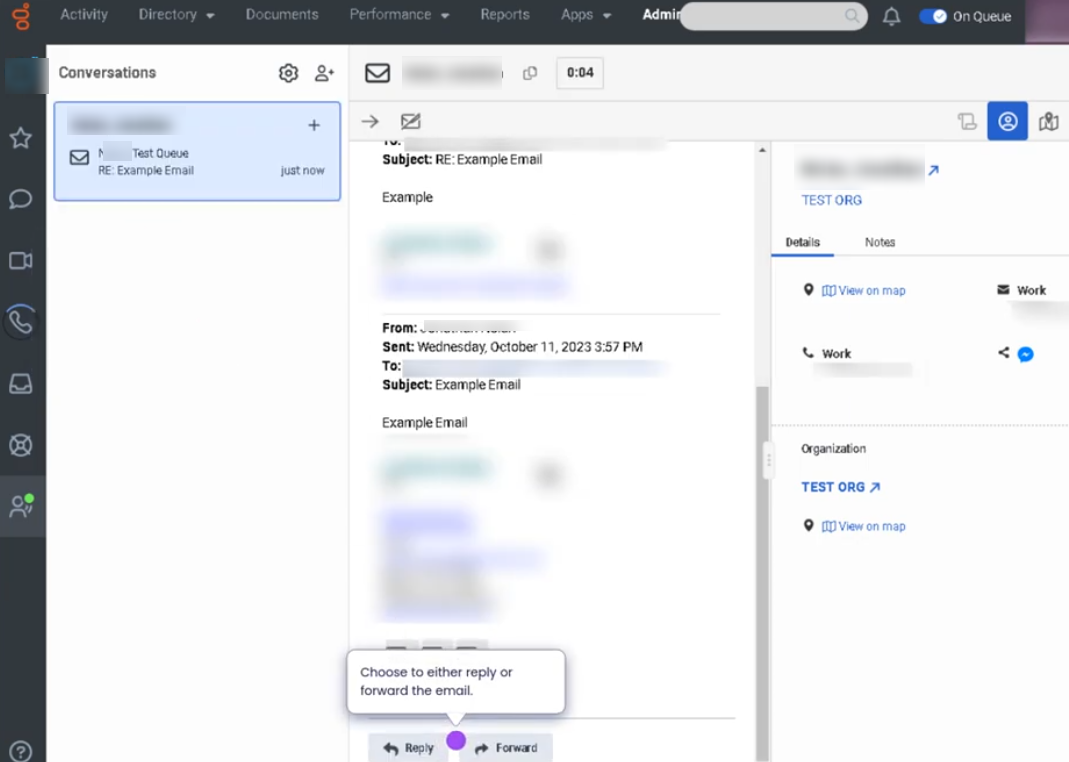
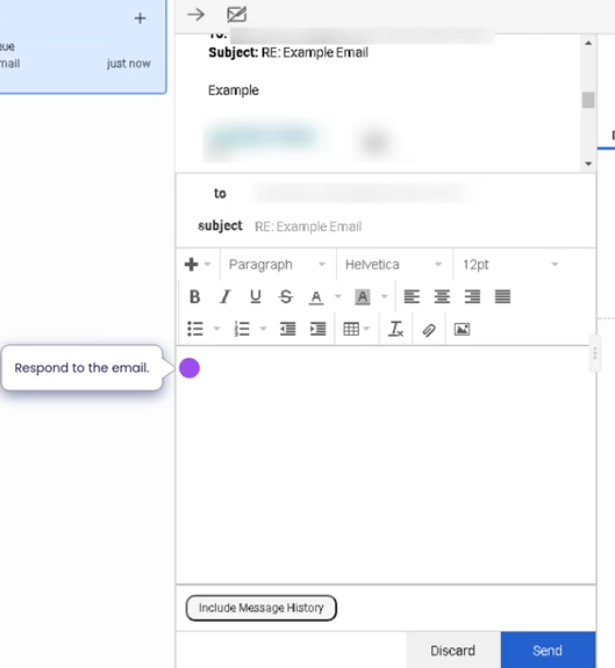
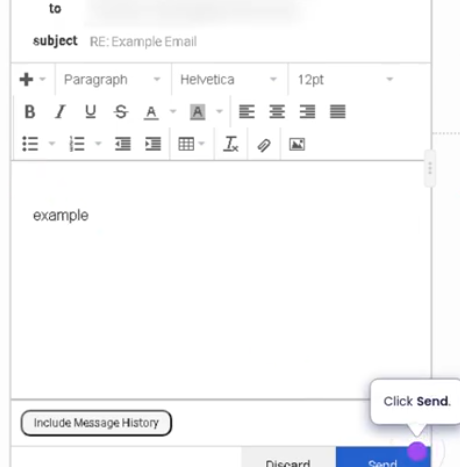
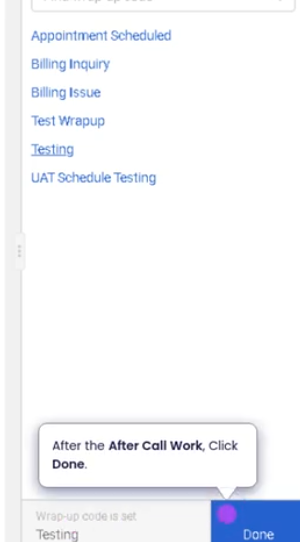
Agents can accept incoming emails, review the message content, compose responses, attach files, and manage conversation threads while maintaining a full history of the interaction. Email interactions are commonly used for customer support, service requests, follow-ups, and documentation-based communication.
Utilization
| Use Case | Description |
|---|---|
| Customer support requests | Customers send inquiries through email |
| Case management | Agents respond to issues requiring detailed explanations |
| Documentation sharing | Agents provide instructions, files, or confirmations |
| Follow-up communication | Agents send updates regarding ongoing cases |
| Asynchronous support | Customers and agents respond without needing real-time availability |
Email interactions help organizations provide structured and traceable communication for complex customer inquiries.
Best Practices
| Practice | Reason |
|---|---|
| Carefully read the full email thread before responding | Ensures the response addresses the complete issue |
| Maintain professional and clear language | Email responses represent the organization's brand |
| Use templates or canned responses when appropriate | Improves response efficiency and consistency |
| Verify attachments before sending | Prevents sending incorrect or sensitive files |
| Include clear instructions and next steps | Helps customers resolve issues quickly |
| Proofread emails before sending | Avoids miscommunication and errors |
Example Scenarios
Scenario 1 – Customer Submits Email Support Request
Customer sends email to support address
        ↓
Email interaction enters Genesys Cloud
        ↓
Routing engine assigns email to queue
        ↓
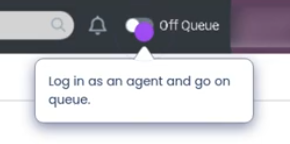
Agent accepts email interaction
        ↓
Agent reviews message and sends response
Scenario 2 – Agent Provides Detailed Support Instructions
Customer requests help via email
        ↓
Agent receives email interaction
        ↓
Agent reviews customer issue
        ↓
Agent sends step-by-step instructions
Scenario 3 – Follow-Up Communication
Agent resolves customer issue
        ↓
Agent sends confirmation email
        ↓
Customer replies with additional question
        ↓
Agent continues email thread until resolution
Key Benefits
| Benefit | Explanation |
|---|---|
| Asynchronous communication | Customers and agents can respond at different times |
| Detailed documentation | Email threads provide a record of communication |
| Queue-based routing | Emails are distributed using the ACD system |
| Improved case handling | Complex issues can be addressed with detailed responses |
| Integrated interaction management | Email interactions are tracked within Genesys Cloud analytics |