Scripts
| Topic |
Detail |
| Navigation |
Admin → Contact Center → Scripts |
| Purpose |
Guided UI forms presented to agents during interactions — collect data, enforce workflows, ensure compliance |
| Channels |
Primarily voice; also supports chat and messaging workflows |
| Deployment |
Must be Published before agents can use them; assign to queue or Architect flow |
Overview
Scripts are agent-facing forms that pop on the agent desktop when an interaction begins. They guide agents through structured workflows, collect customer information, enforce compliance steps, and integrate with backend systems via interaction attributes.
Script Components
| Component |
Description |
| Labels |
Static instructions or text displayed to agents |
| Text Input |
Free text data entry field |
| Number Input |
Numeric value field |
| Dropdown List |
Selection from predefined options |
| Checkbox |
Binary selection (Yes/No) |
| Buttons |
Trigger actions such as form submission or navigation to next step |
| Page Sections |
Organize the script layout visually |
| Data Bindings |
Connect script fields to interaction attributes for use in Architect flows or reporting |
Implementation Steps
| Step |
Action |
| 1 |
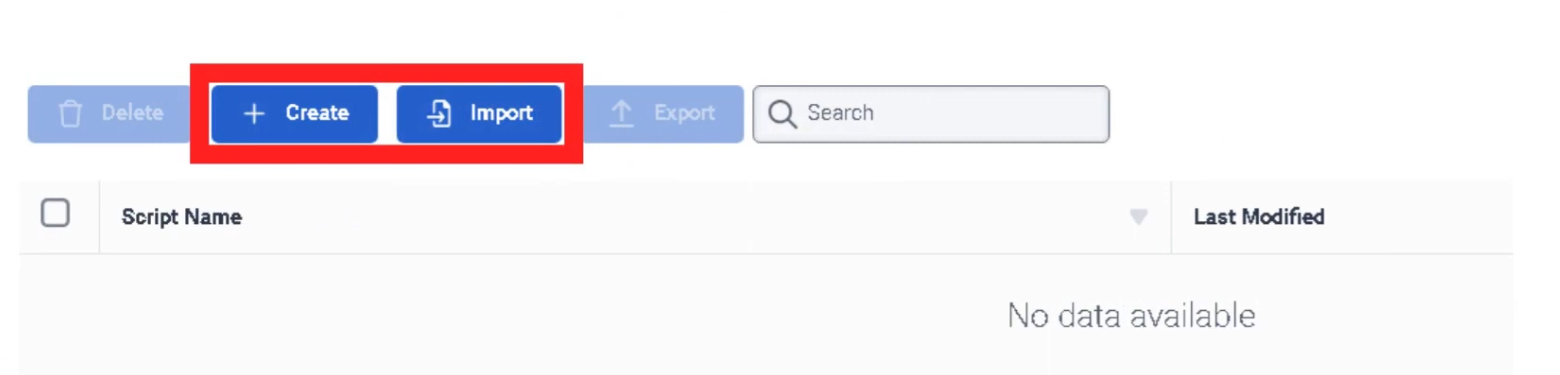
Navigate to Admin → Contact Center → Scripts |
| 2 |
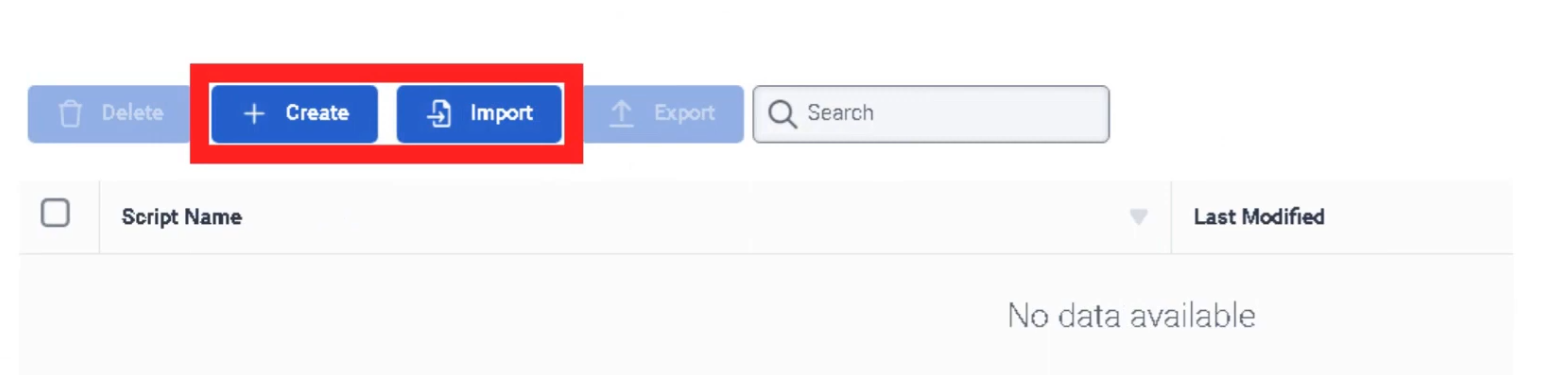
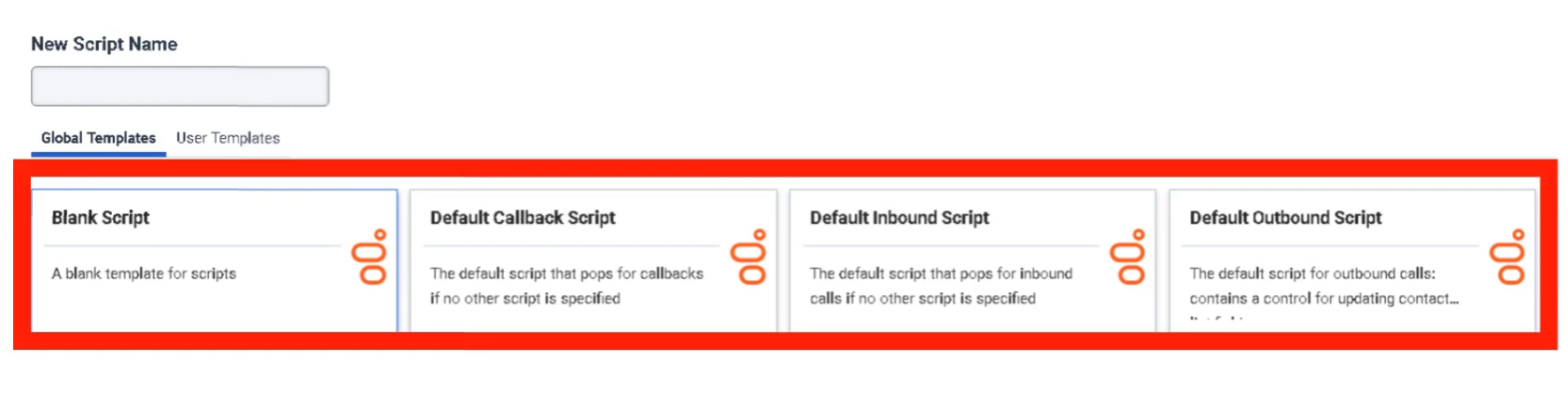
Click Create Script |
| 3 |
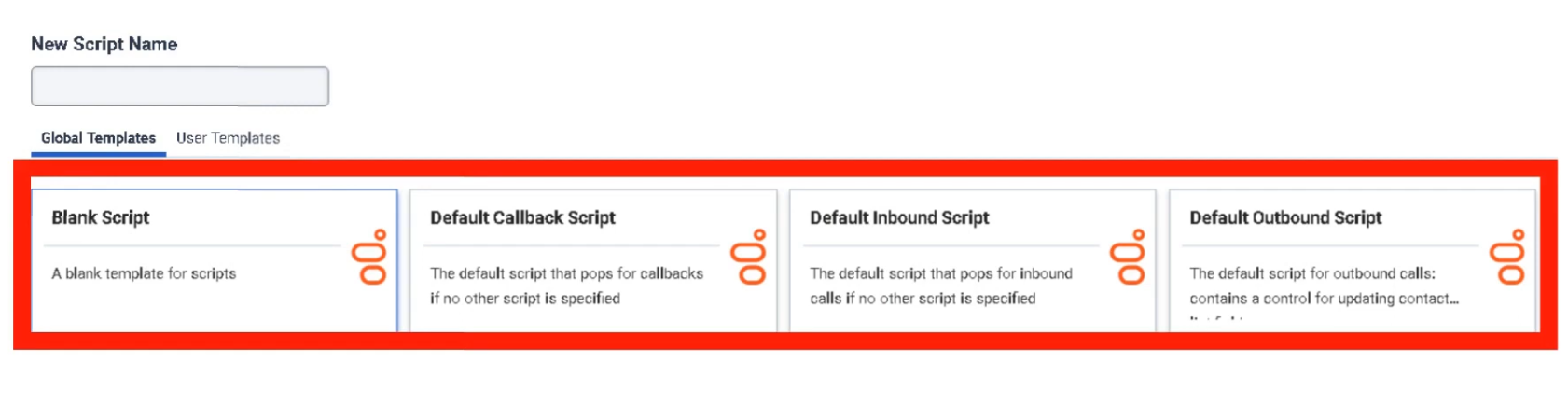
Define script name and interaction type (Voice, Chat, Email, etc.) |
| 4 |
Design the layout using UI components |
| 5 |
Bind fields to interaction attributes |
| 6 |
Apply conditional display logic if needed |
| 7 |
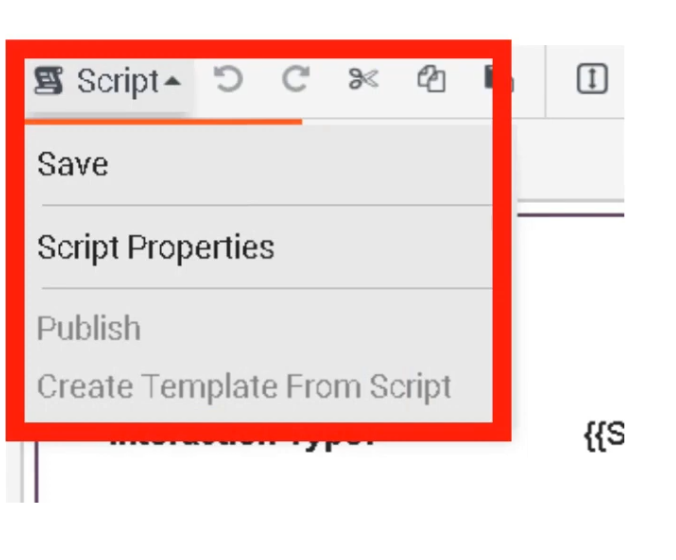
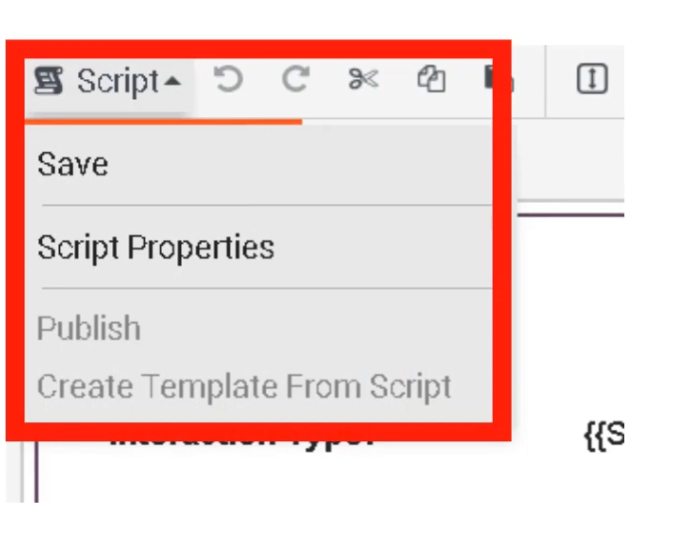
Publish the script |
| 8 |
Assign script to a queue (via queue's Default Script field) or Architect flow |
⚠️ Scripts must be Published before they can be assigned or used by agents. Unpublished scripts are not available for selection.
Conditional Logic
Scripts support conditional display — fields appear or hide based on previous selections:
| Condition |
Result |
| Issue Type = Billing |
Display billing section only |
| Issue Type = Technical |
Display troubleshooting checklist |
| Issue Type = Sales |
Display sales workflow and offer prompts |
Script Data Integration
| Integration |
Description |
| Interaction Attributes |
Stores collected data during the interaction — accessible in reporting and Architect |
| Architect Flows |
Scripts pass captured data into flow logic for routing decisions or automations |
| CRM Systems |
Data entered by agents can be pushed to external CRM systems via Data Actions |
| APIs |
Scripts can trigger backend processes through integrations |
Example Agent Workflow
| Step |
Agent Action |
| 1 |
Customer call arrives |
| 2 |
Script automatically opens on agent desktop |
| 3 |
Agent verifies customer information |
| 4 |
Agent selects issue category |
| 5 |
Script dynamically displays relevant fields |
| 6 |
Agent collects required information |
| 7 |
Data stored in interaction attributes |
| 8 |
Agent selects wrap-up code |
Best Use Scenarios
| Scenario |
Benefit |
| Customer Verification |
Ensures identity checks are completed consistently |
| Sales Calls |
Guides agents through offers and upsell prompts |
| Technical Support |
Provides structured troubleshooting steps |
| Compliance Workflows |
Ensures required regulatory statements are delivered |
| Case Creation |
Collects structured data for CRM tickets |
Best Practices
| Practice |
Recommendation |
| Keep scripts simple |
Avoid excessive fields that slow agents during live calls |
| Use conditional logic |
Display only fields relevant to the current issue type |
| Integrate with CRM |
Auto-populate customer data where possible |
| Reuse templates |
Maintain standardized workflows across teams |
| Test before deployment |
Validate with real call scenarios before publishing |
| Publish before assigning |
Scripts must be published to appear in queue or flow assignment dropdowns |
Interview Cheat Sheet
| Question |
Answer |
| What is a Script in Genesys Cloud? |
A guided UI form that pops on the agent desktop during interactions |
| What must happen before a script can be used? |
It must be Published |
| Where can scripts be assigned? |
To a queue (Default Script field) or Architect flow |
| What are Data Bindings? |
Connections between script fields and interaction attributes |
| What does conditional display do? |
Shows or hides fields based on previous agent selections |
| What channels support scripts? |
Primarily voice, also chat and messaging |