# Monitoring with Prometheus and Grafana (Testing still in progress)

First create auser on proxmox
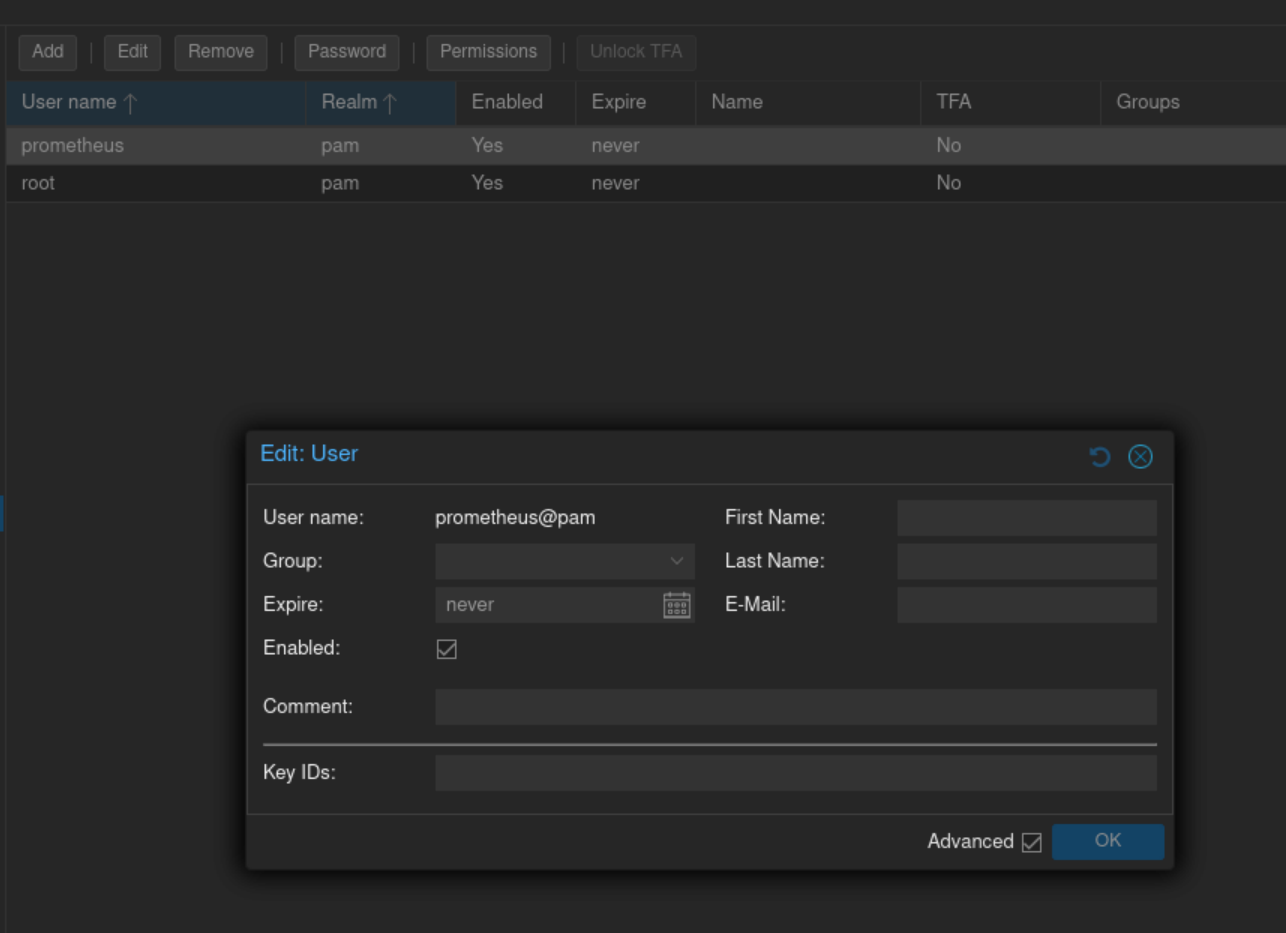
![image.png](https://wiki.tinod.net/uploads/images/gallery/2024-05/scaled-1680-/WItKcYJogk42nPAY-image.png)

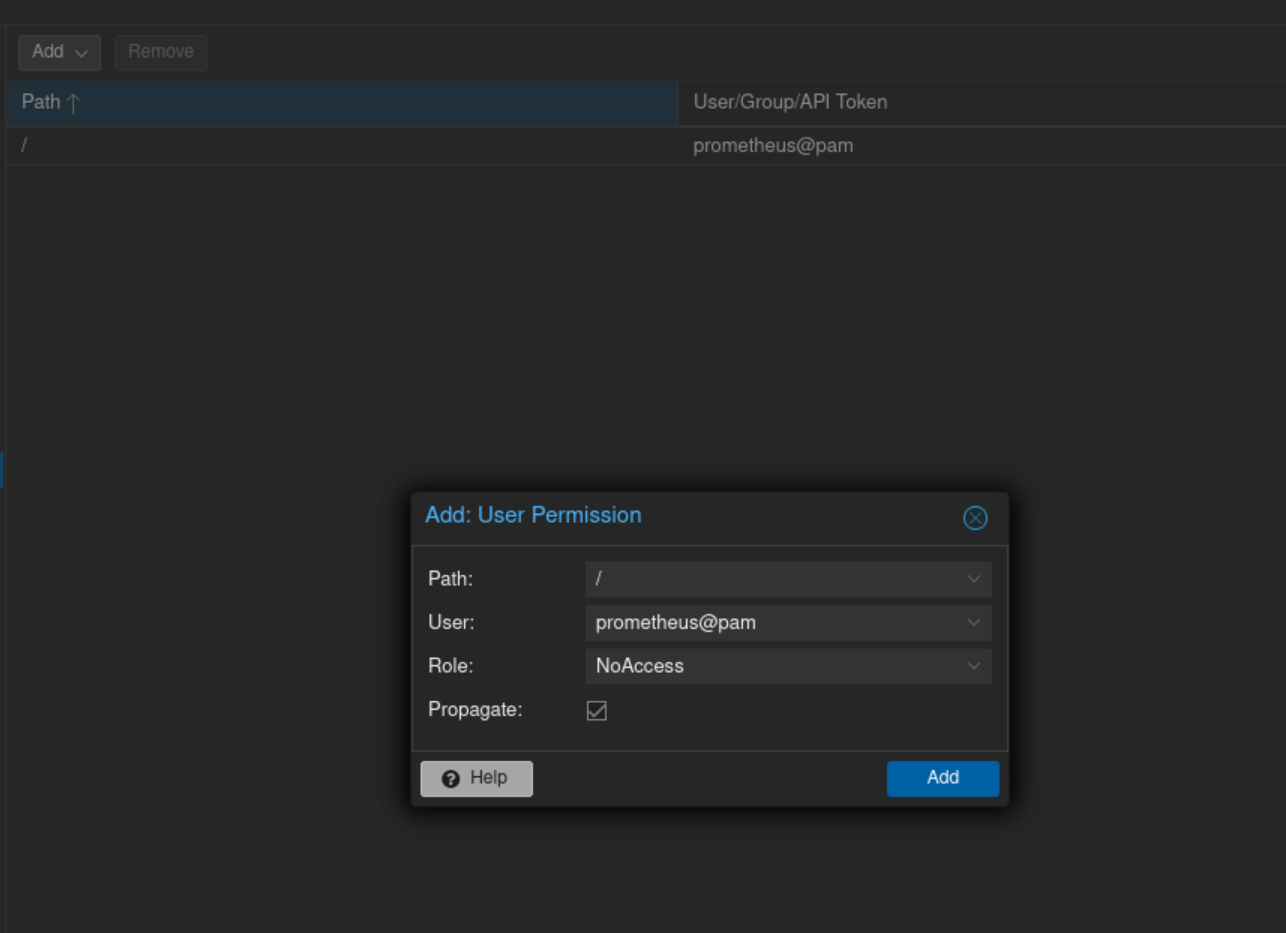
Next setup group permissions

![image.png](https://wiki.tinod.net/uploads/images/gallery/2024-05/scaled-1680-/nrr8bTjk2tOSKRYf-image.png)

next setup an api token

![image.png](https://wiki.tinod.net/uploads/images/gallery/2024-05/scaled-1680-/2HtQ7a5XzIlI0r2m-image.png)

copy your api token

<details id="bkmrk-e34d851e-c847-47c1-a"><summary></summary>

e34d851e-c847-47c1-a6e1-9082347bc5cd

</details>create a pve.yml file and place in /etc/prometheus/pve.yml

```shell
default:
        user: prometheus@pve
        token_name: "exporter"
        token_value: e34d851e-c847-47c1-a6e1-9082347bc5cd
        verify_ssl: false
```

Add Service Unit to prometheus server (make sure to create a prometheus user on host in order to run the unit)

```bash
tee /etc/systemd/system/prometheus-pve-exporter.service<<EOF
> [Unit]
> Description=Prometheus Exporter for Proxmox VE
> Documentation=https://github.com/znerol/prometheus-pve-exporter
> 
> [Service]
> Restart=always
> User=prometheus
> ExecStart=/usr/local/bin/pve_exporter /etc/prometheus/pve.yml
> 
> [Install]
> WantedBy=multi-user.target
> EOF
[Unit]
Description=Prometheus Exporter for Proxmox VE
Documentation=https://github.com/znerol/prometheus-pve-exporter

[Service]
Restart=always
User=prometheus
ExecStart=/usr/local/bin/pve_exporter /etc/prometheus/pve.yml

[Install]
WantedBy=multi-user.target
```