# AZ-104 - Governance and Compliance - Managing Subscriptions
##### [Organize and manage multiple Azure subscriptions](https://learn.microsoft.com/en-us/azure/cloud-adoption-framework/ready/azure-best-practices/organize-subscriptions "Organize and manage multiple Azure subscriptions")
##### What are subscriptions
- Billing unit that aggregates all costs of underlying resources
- Contain resource groups and their associated resources
- Scoping level for governance and security
- Can be associated with only a single organization (Azure AD Tenant) at a time
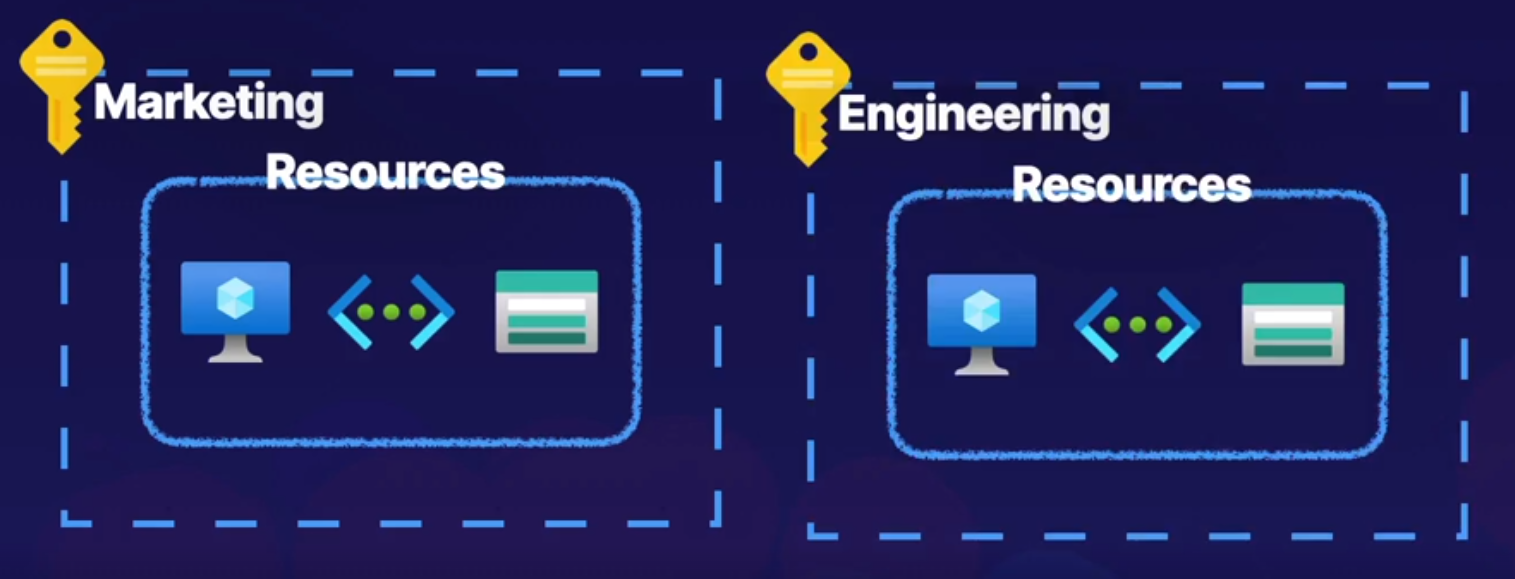
Examples:
you can define multiple subscriptions per department to identify costs
#### Subscription naming conventions
##### - Prod/Dev/Staging
Subscriptions are named based on whether they are production, development or staging environments.
##### - Department/Teams
Subscriptions are named based on the department or team the subscription is intended for so that billing can then be easily associated with a given business unit.
##### - Region
Subscription are name based on the region of the business that uses the subscription.