Avaya MS - netSetup to re IP Media Servers
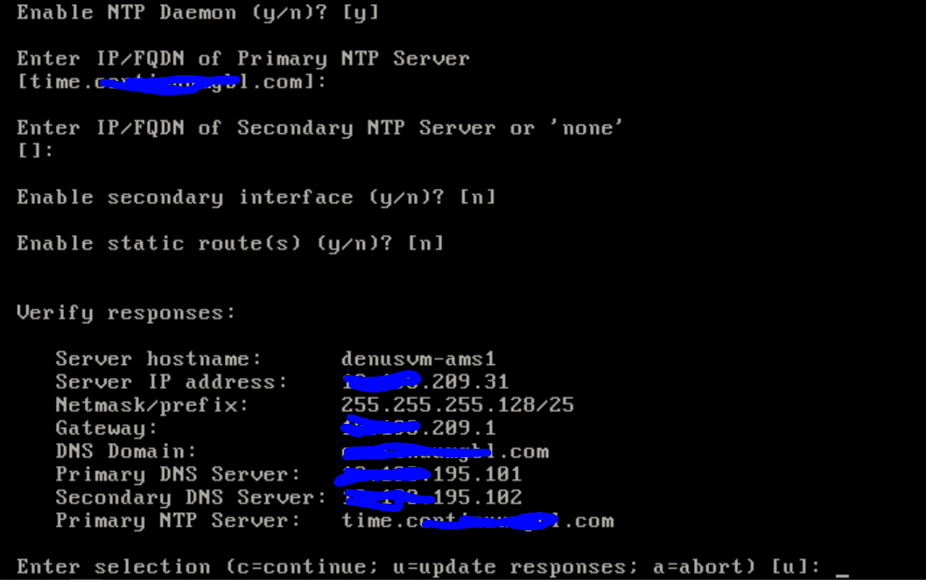
logon as root and run netSetup to initiate
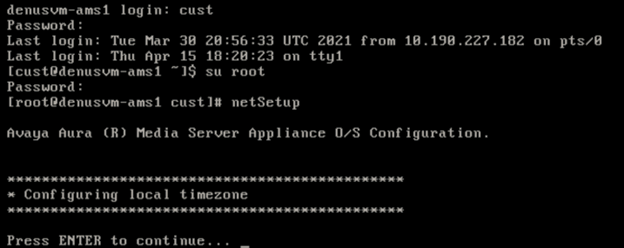
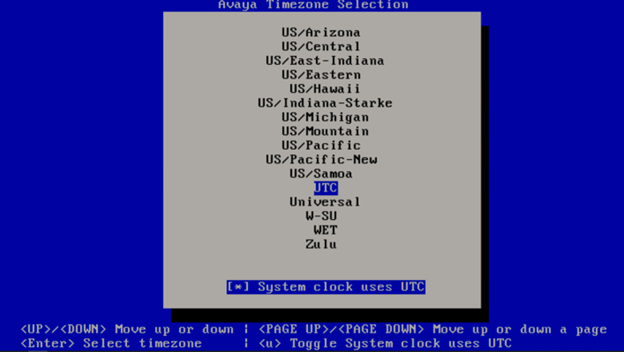
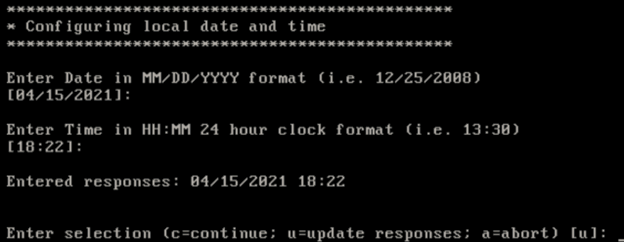
Verify then C to continue

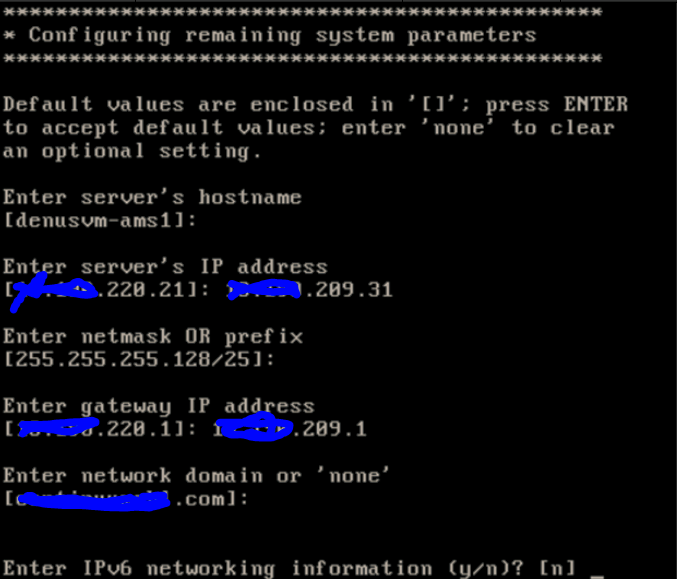
enter new PI and gateway, select N for IPv6 and then enter to continue
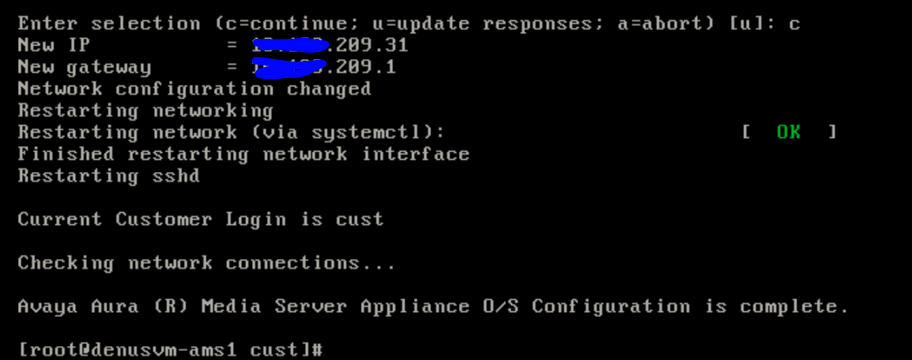
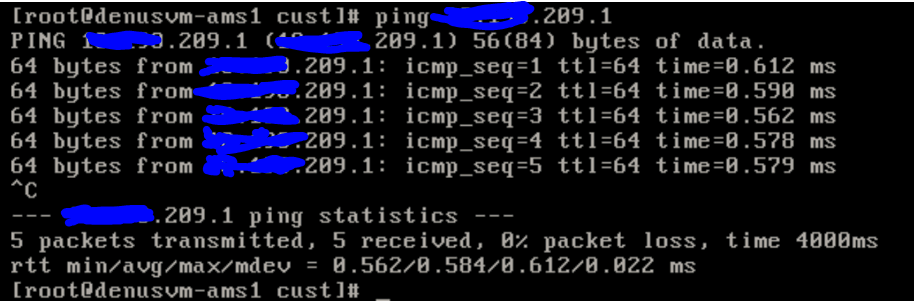
Ping new gateway to validate connectivity
Open a web browser and navigate to https://newip:8443
Go to system configuration/network settings/IP interface assignments.
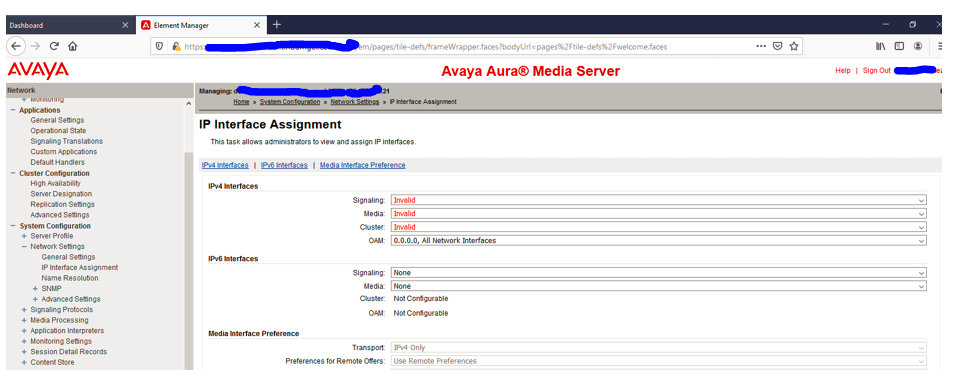
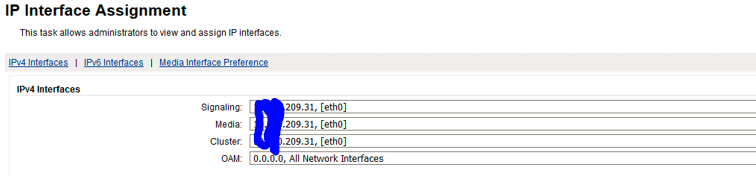
Restart Media Server. (Via vmware web console logon as root and run command reboot).
Logon to MS check for alarms if all good release into production.